
Use the Video interactive element to place a hosted video inline or as a supported background.
Current interface
Add and configure a video
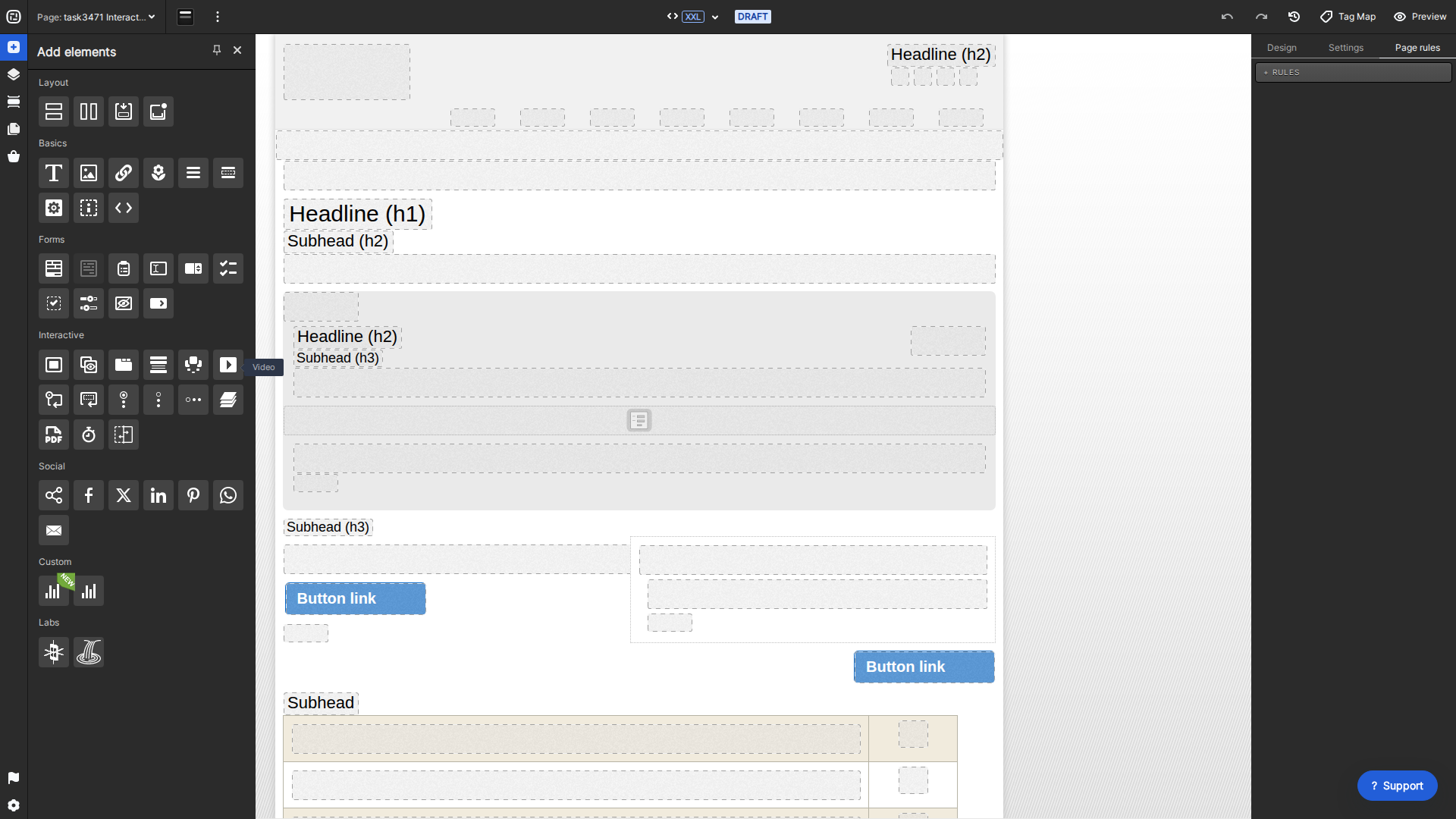
- Drag Video from Add elements > Interactive into a container.
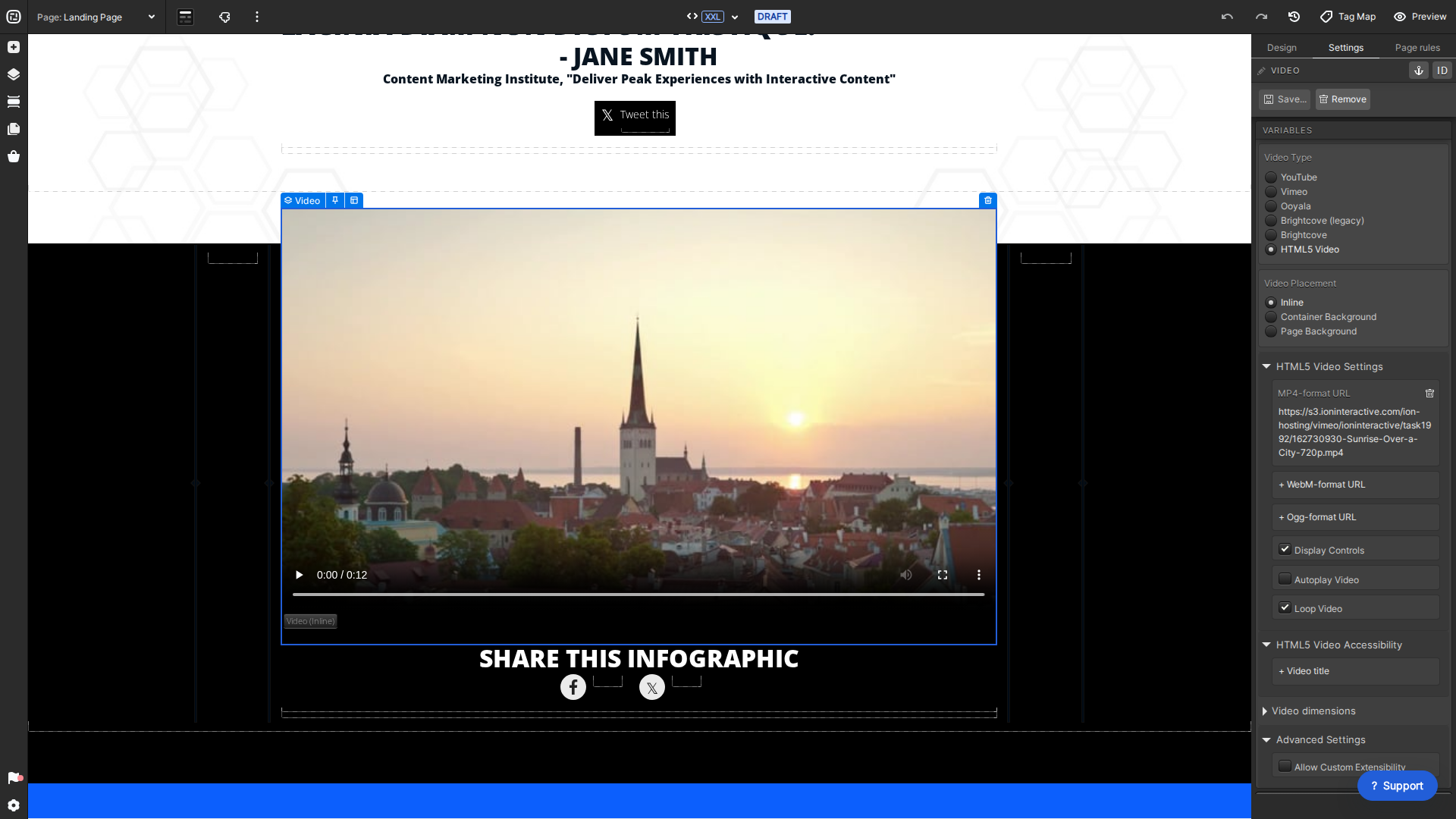
- Choose a source: YouTube, Vimeo, Ooyala, Brightcove (legacy), Brightcove, or HTML5 Video.
- Choose Inline, Container Background, or Page Background placement.
- Enter the source-specific ID or URL and configure the available controls, autoplay, loop, sizing, and accessibility options.
- Preview on desktop and mobile. Browser policies commonly prevent audible autoplay, and background behavior can vary by device.
Ion does not upload third-party streaming video into the console. For HTML5 Video, use publicly reachable HTTPS media URLs and provide accessible fallback text or captions as appropriate.
