
Cookie Consent Manager lets visitors control non-essential cookies while the experience continues to use the essential functionality it needs.
Current interface
1. Categorize scripts
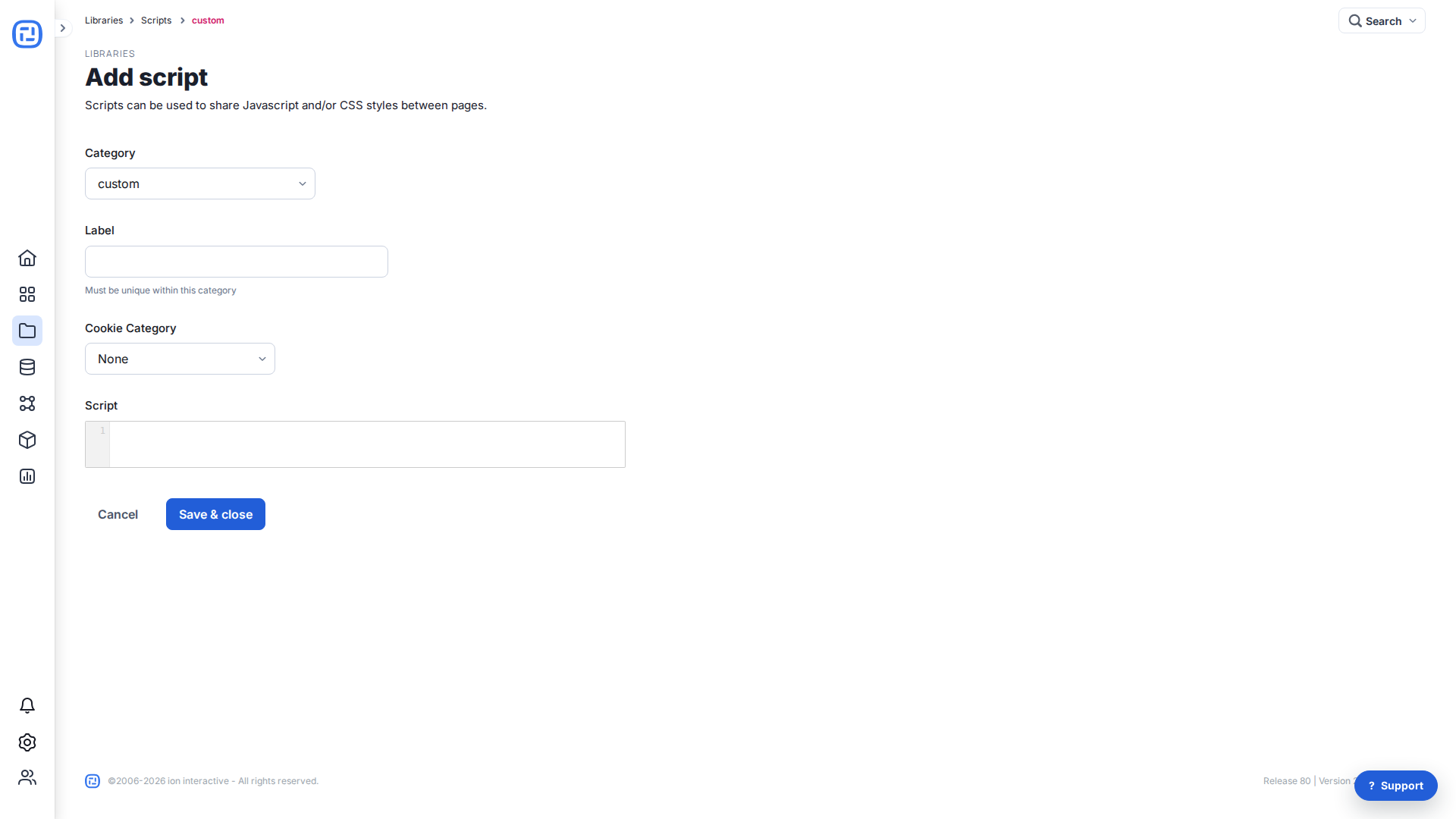
Open Libraries > Scripts. For every script that creates cookies, choose the appropriate Cookie Category. Use None for scripts that create no cookies. If Google Tag Manager centralizes the scripts, categorize the GTM script and keep the container’s consent configuration aligned.
2. Configure the creative
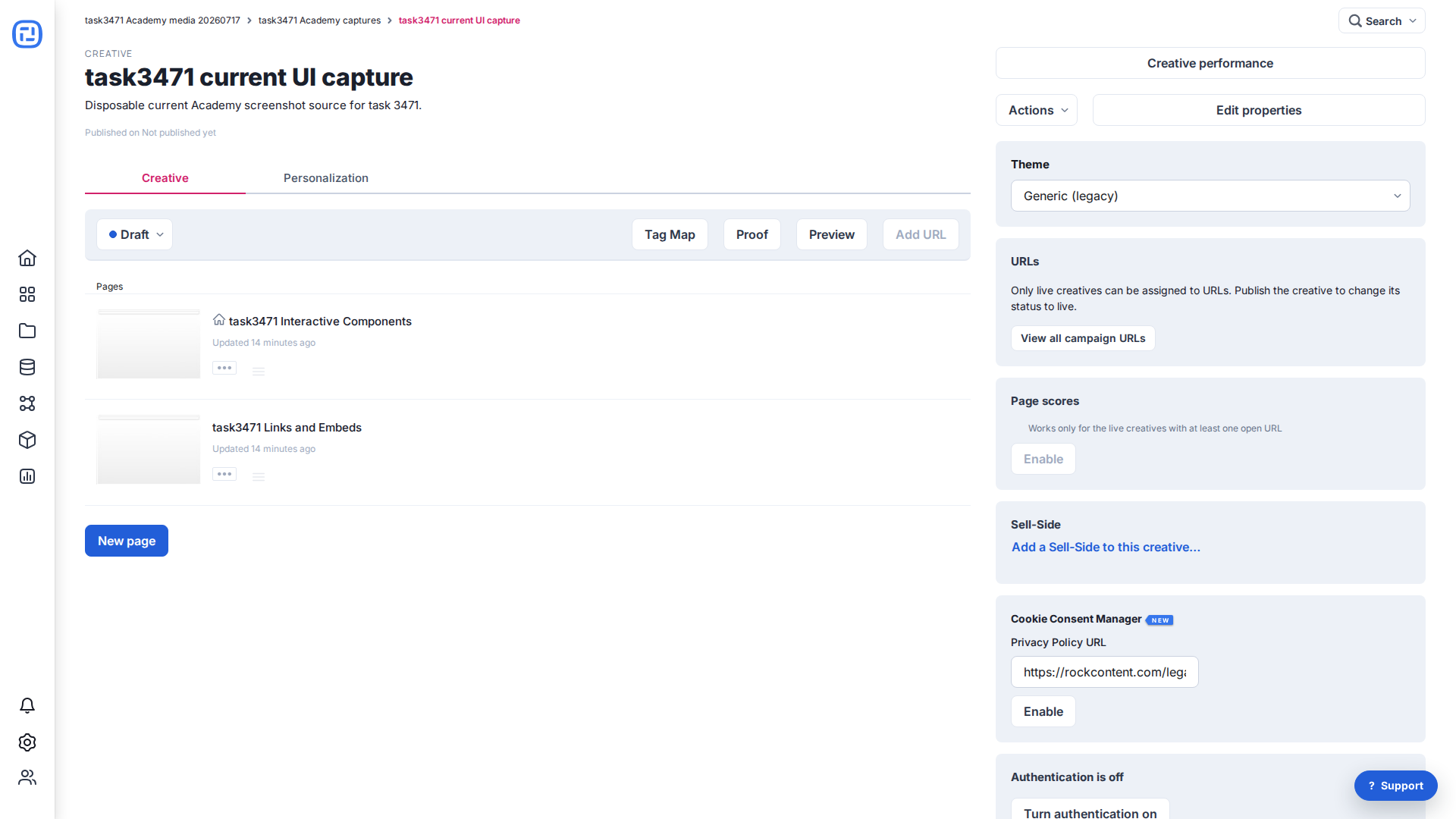
Open the creative details. In Cookie Consent Manager, enter or confirm the Privacy Policy URL and choose Enable. This is configured per creative; a shared console privacy URL may be available from console configuration where authorized.
3. Test before publishing
- Test accept, reject, and category-selection behavior from a fresh browser session.
- Confirm essential functionality works before consent and non-essential scripts honor the visitor’s choice.
- Check the banner at every breakpoint and verify the Privacy Policy URL.
- Disable any older consent implementation before enabling this manager to avoid overlapping banners or conflicting consent state.
