
Ion displays the report types that are valid for the scope selected on Insights > Reports > New report. Choose the scope first; the Report type list then updates automatically.
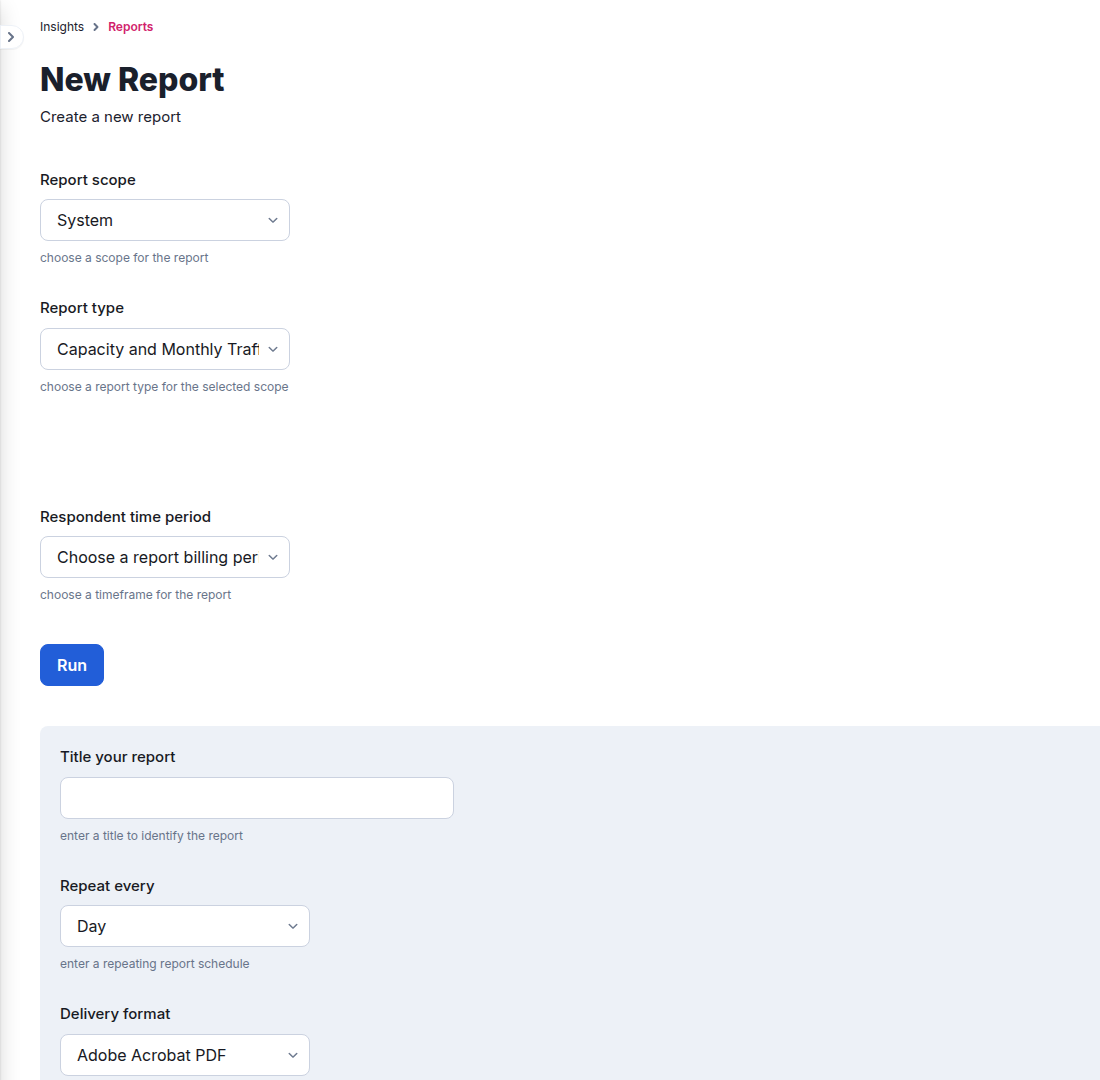
Current report types by scope
| Scope | Available report types |
|---|---|
| System | Capacity and Monthly Traffic; Source and Creative Drilldown; Summary; Suspicious Clicks |
| Portfolio | Drilldown; Summary; Suspicious Clicks |
| Creative | Respondents; Summary |
| Campaign | Respondents; Summary; Suspicious Clicks |
| URL | Respondents; Summary; Suspicious Clicks |
| Brand space | Drilldown; Summary; Suspicious Clicks |
What each report is for
- Capacity and Monthly Traffic summarizes system traffic and capacity usage for a billing period.
- Source and Creative Drilldown / Drilldown compares traffic sources and creative performance, with optional tag and data-field columns where offered.
- Summary provides a compact roll-up for the selected scope and period.
- Respondents exports respondent-level records for Creative, Campaign, or URL scope.
- Suspicious Clicks focuses on activity Ion classified as suspicious for the supported scope.
Run now or schedule
Select Run for an immediate report. To automate delivery, title the report, choose a repeat schedule and output format, add recipient email addresses, and save it. The exact fields and output formats change with the selected report type.
