

Tag Cloud The tag cloud is a visual way to quickly see the most popular tags. This gauge is available in the Performance tab for all portfolios, campaigns, creatives and traffic sources. When viewing the tag …
Author: Thiers
→Thiers is the Global Manager of the Expert Services at Rock Content. As a designer by heart and a content marketer by enthusiasm, he is responsible for leading a seasoned team of creative and technical professionals on the mission of delivering interactive services for top brands worldwide. Outside designing solutions for difficult challenges while surfing the interactive content wave, you will definitely find Thiers in the city park playing around with his 4 lovely dogs.

The Ion platform can be used to create & launch responsive pages that look great on desktop, mobile and tablet devices! Introduction Ion Interactive provides some of the most sophisticated responsive design flexibility and …

URLs are setup to auto-close after 5 years open Before We Begin Navigate into the URL Management Screen for the URL that you want to schedule to open or close. If you have not …

Summary Step 1 – Login Step 2 – Get to the Cloud Step 3 – Pick a Quick Start Step 4 – Publish Content Step 1 – Login Welcome to Ion! We’re excited to …
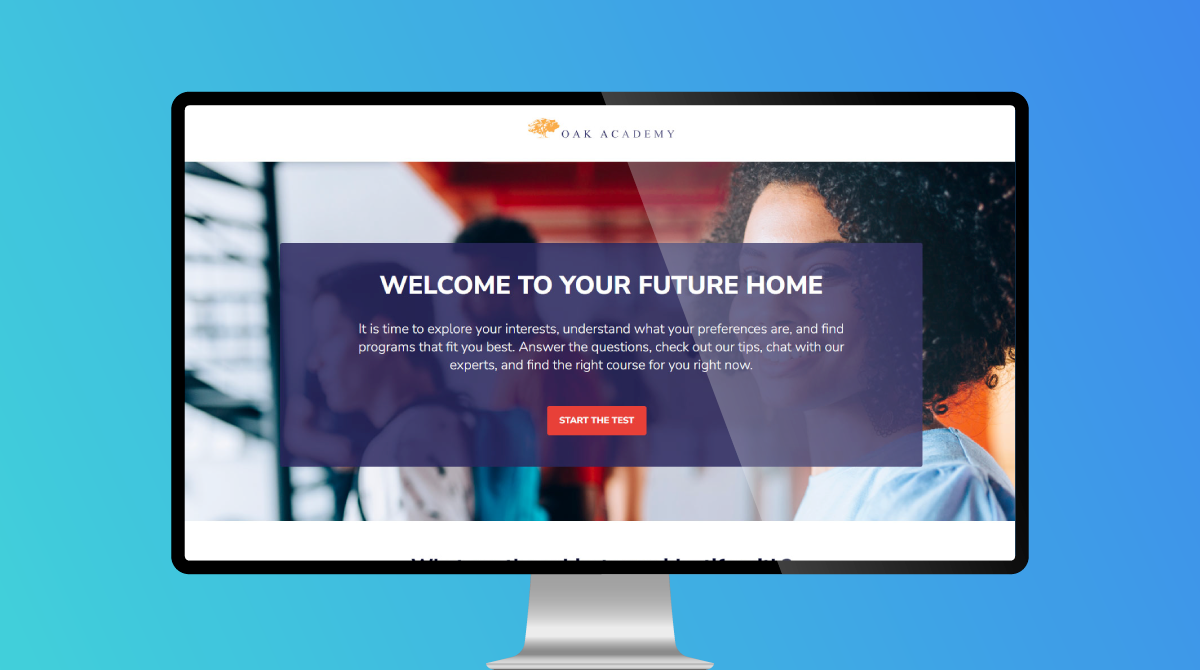
The Crawl-Walk-Run-Fly Assessment is an 8-question assessment with 4 choices for each question. This experience is gated, requiring users to fill out a form before accessing their results. Logic is simple: mostly “A” choices …

What this article covers: General proofing/review concepts Ion gives you several ways to review your Creatives for proper spelling/grammar, consistent messaging/branding and functionality, prior to going live. Preview your Creative Ion includes a “Preview” …

When editing a given element’s border, you can select where to apply your border by clicking the top, bottom, left and/or right side of the border icon. If you want to add a border …

As part of your ion console setup, we will code one branded theme that can be applied to your ion experiences. Your theme includes brand-approved styling that controls the look and feel of your …

Traffic chart shows the flow of traffic over a given period of time. The traffic chart will show trends for both your non-converted respondents (light blue) as well as your converted respondents (dark blue). This …

The page summary gauge shows a breakdown of traffic to each page within a given experience. Here you will see the number of unique views to each page (within your specified time period), the …