
This example uses concepts specific to freestyle forms. For an introduction, see Ion Freestyle Forms.
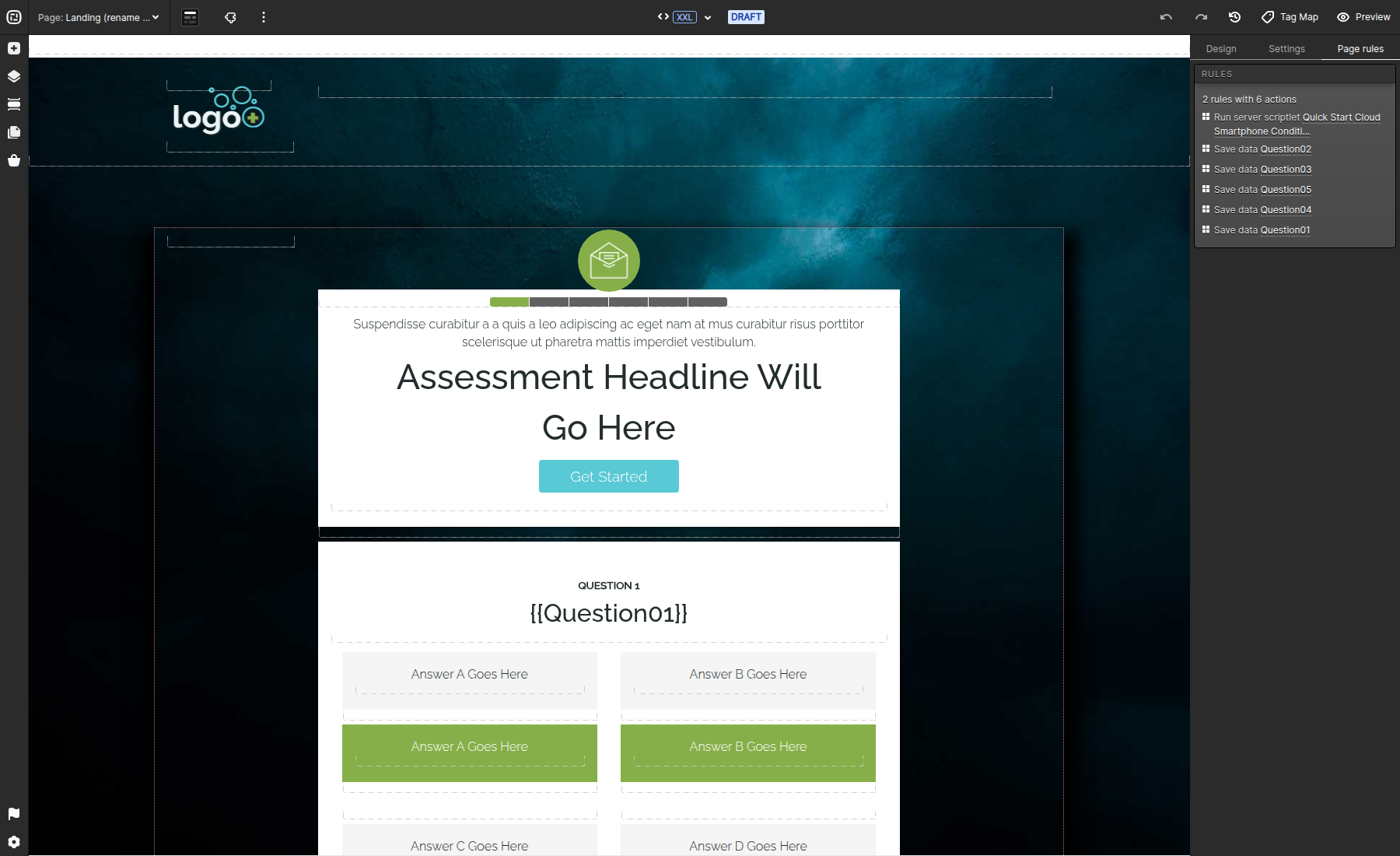
Choice Groups can use text, images, buttons, interactive components, or combinations of those elements as selectable answers. An Expanded Choice provides separate off and on containers, so the unselected and selected states can present different content and styling.
Build an expanded choice
- Add a Choice Group to a freestyle form.
- Add the required choices and use the advanced or expanded choice mode.
- Design the off container for the unselected state and the on container for the selected state.
- Apply the same input value and scoring strategy you would use for other choices in the group.
- Preview the page and verify that only one selected state is active when the group uses single-select mode.
The selected and unselected containers may share text or imagery, but keep the change in state visually clear and accessible without relying on color alone.
