
Add the PDF Viewer
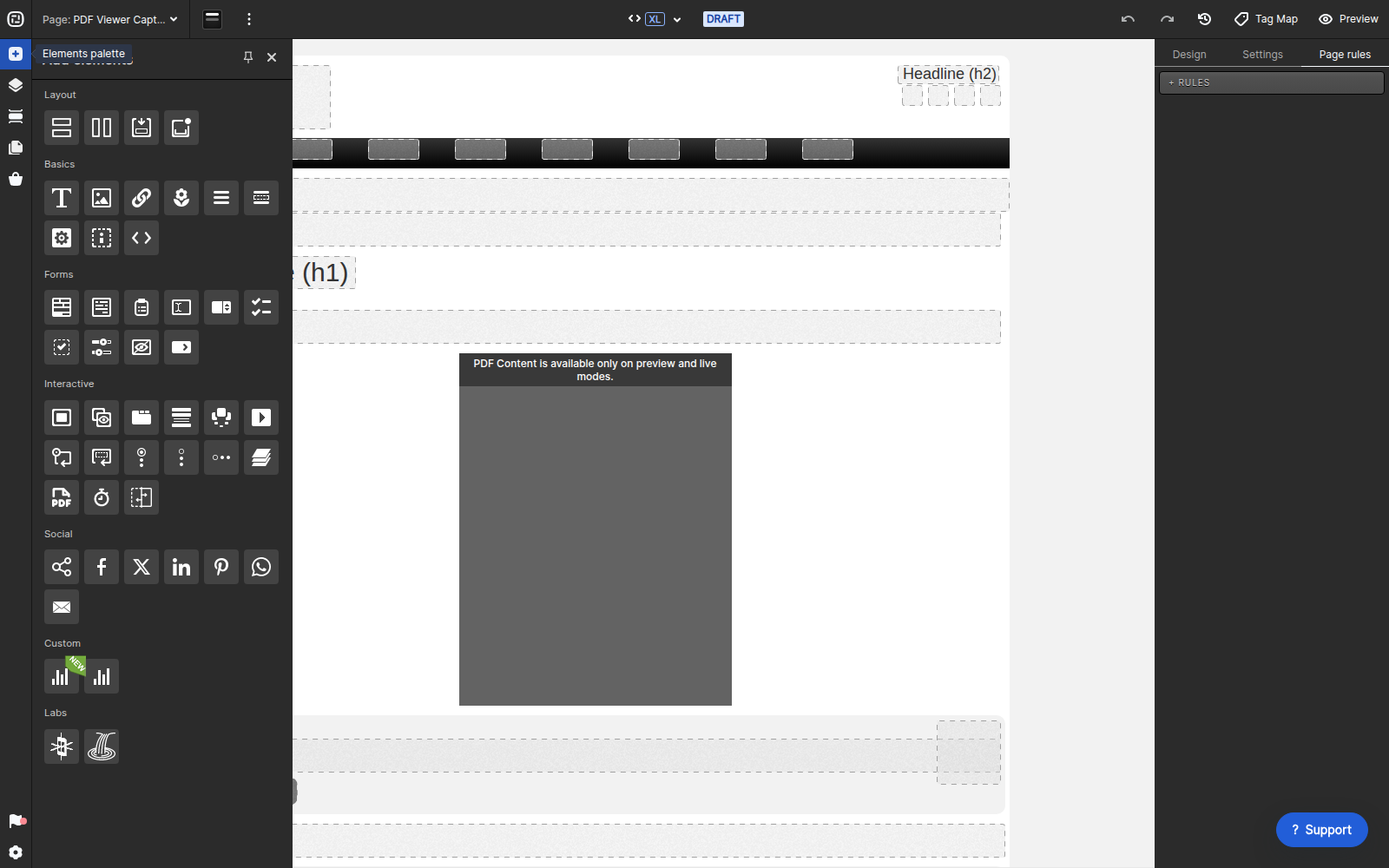
Open the page in Creative Studio, select Add elements, and drag PDF Viewer from the Interactive section into an available container.
Choose the PDF source
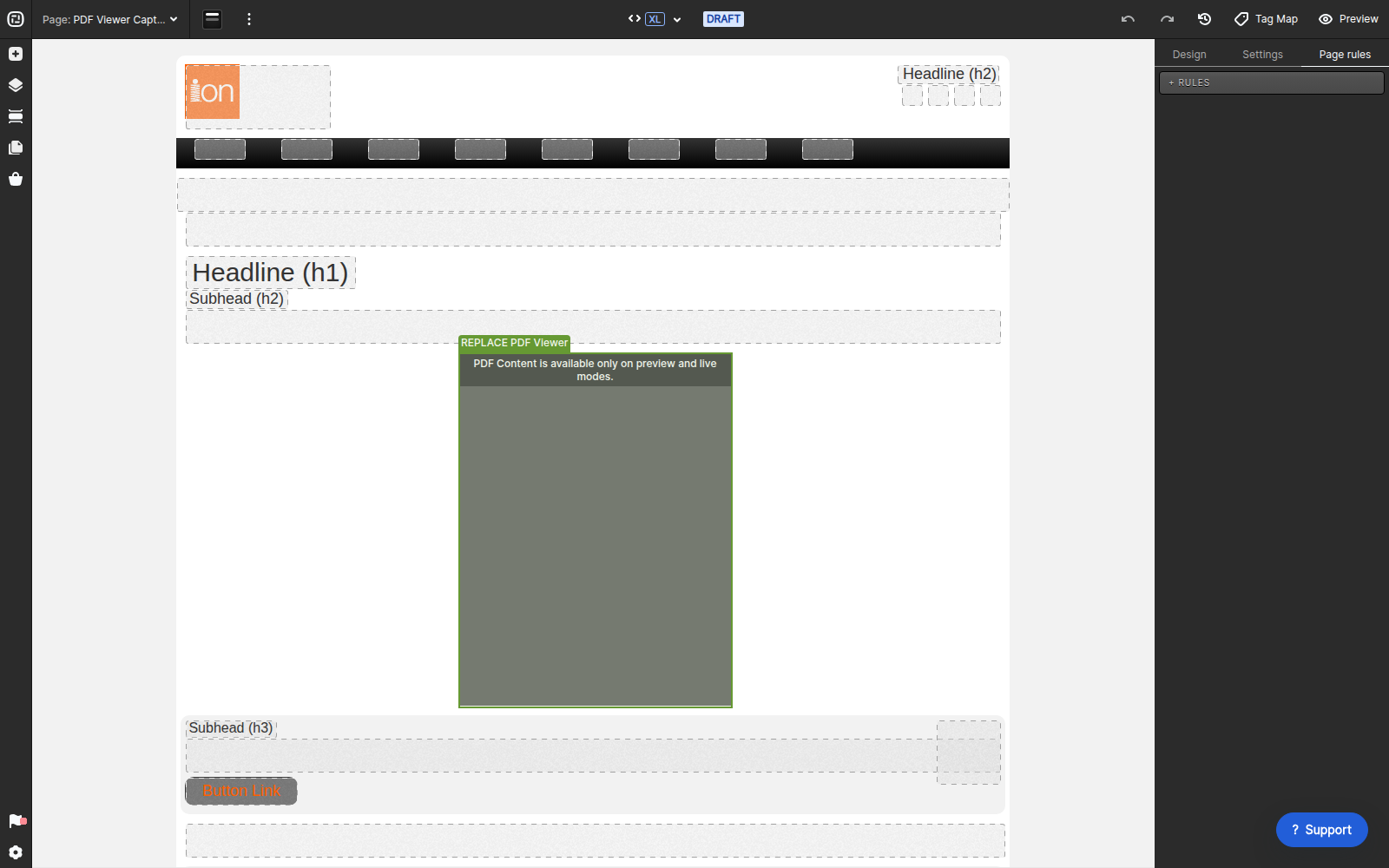
Select the PDF Viewer on the canvas, then open Variables > Select PDF. The current component accepts either a file from the Fulfillment Library or a publicly accessible external URL.
From the Fulfillment Library
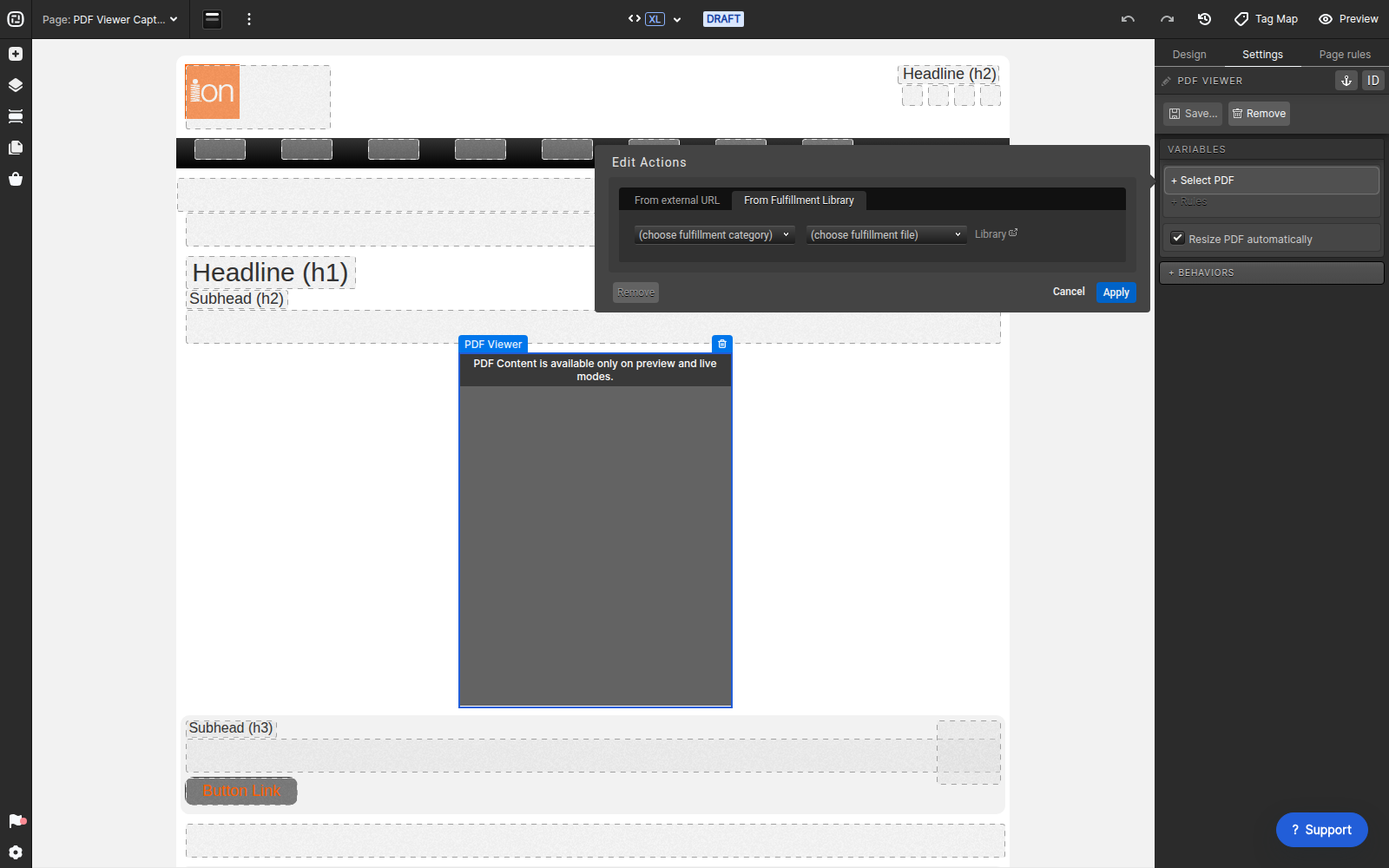
Upload the PDF to Libraries > Fulfillment if it is not already available. In the PDF Viewer action, choose From Fulfillment Library, select the category and file, and click Apply.
From an external URL
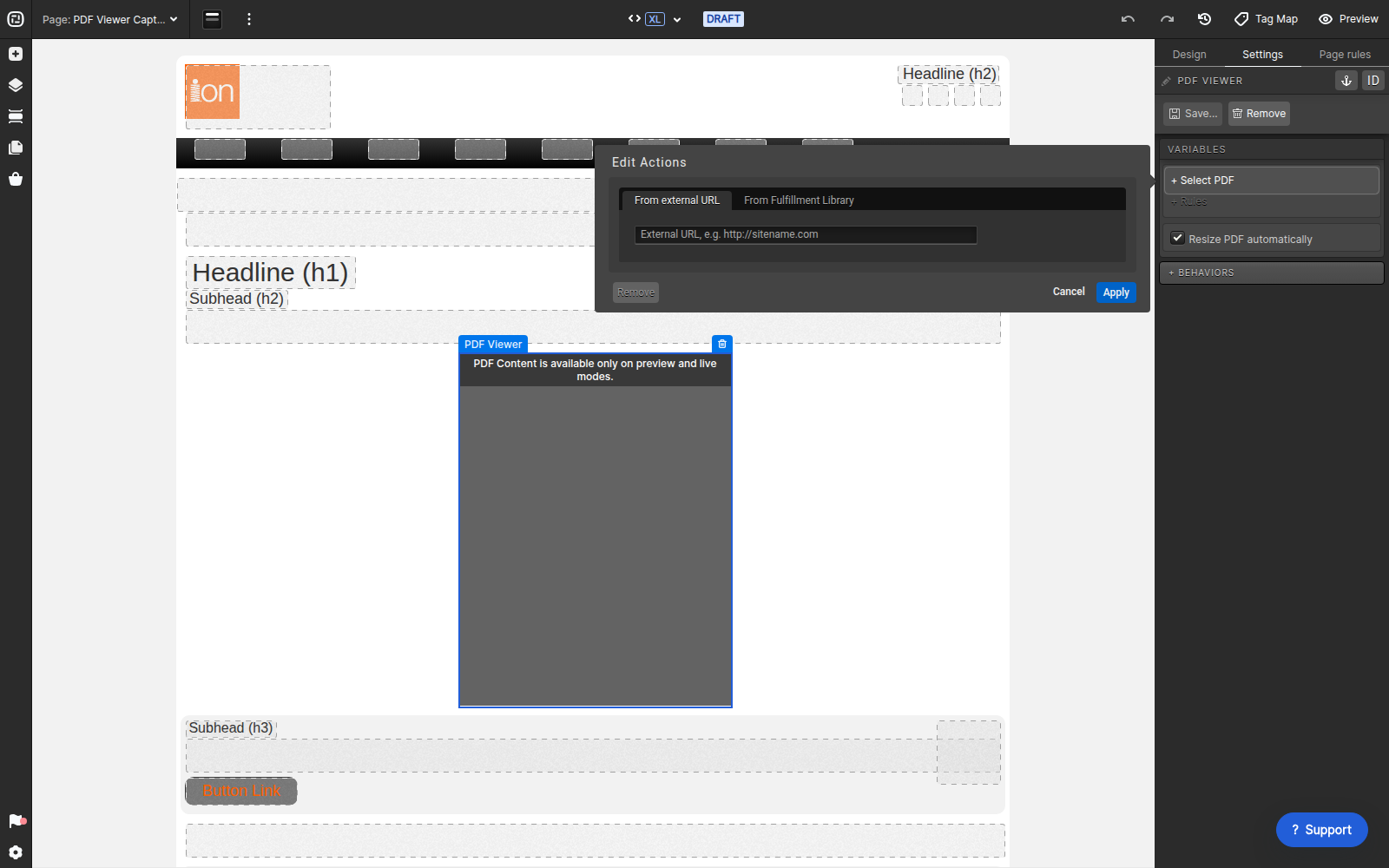
Choose From external URL, enter a direct publicly accessible PDF URL, and click Apply. Keep Resize PDF automatically enabled when the viewer should adapt to its container.
The previous viewer.html and custom widget installation are not required for the current built-in PDF Viewer.
Have a question?
If you have questions about the PDF Viewer, contact help@ioninteractive.com.
