
Data fields define the information Ion can collect, store, and use in experiences, rules, exports, and integrations.
Open Data Collection
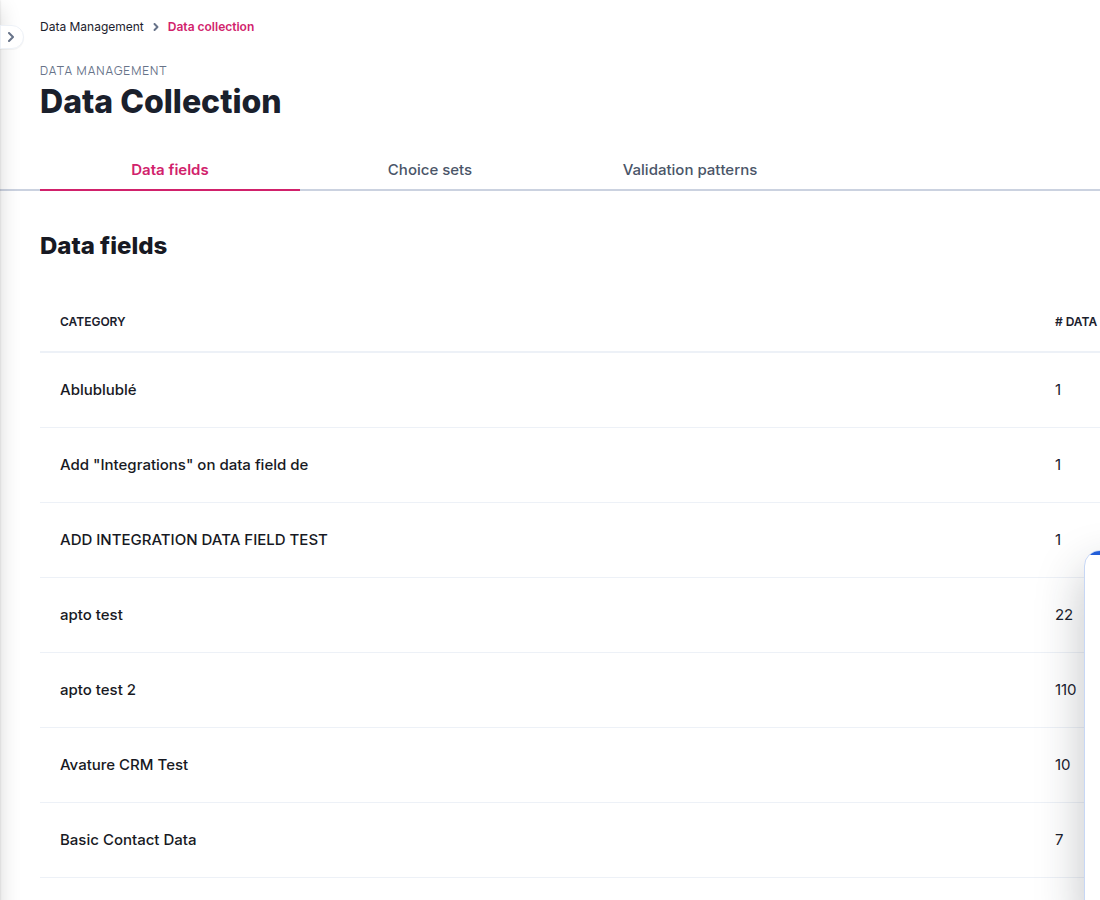
From the console, go to Data Management and select Data collection. The Data fields tab lists categories and the number of fields in each category.
Create a field
- Open an existing category, or create a category with New data field category.
- Select New data field.
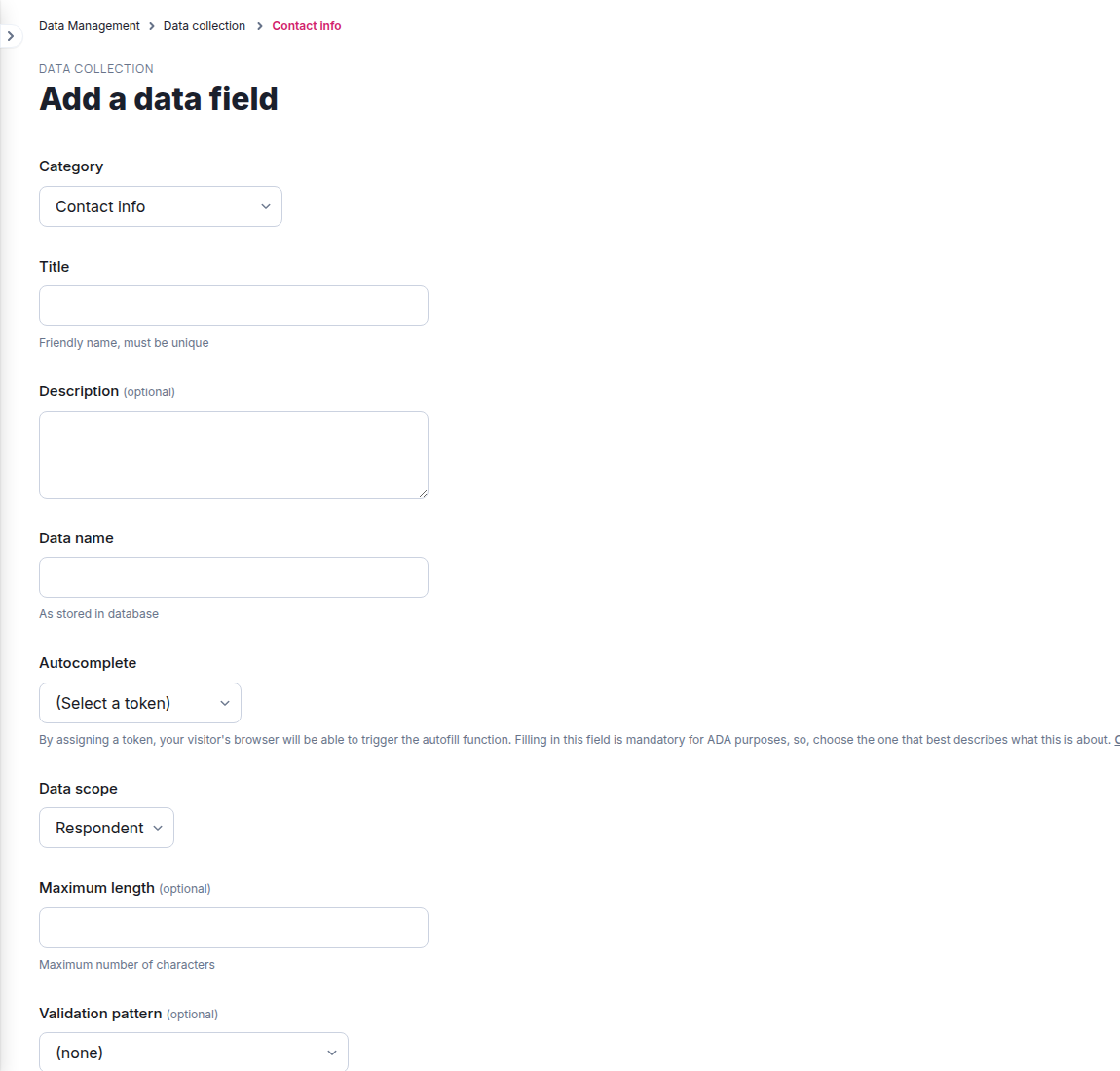
- Choose the category and enter a unique, friendly Title.
- Optionally add a description, then enter the Data name used in the database.
- Select the matching Autocomplete token. This is required for ADA support.
- Choose the Data scope: Respondent for a single visit or User for a value that can persist across recognized visits.
- Configure maximum length, validation pattern, default value, encryption, and automatic deletion as needed.
- Save the field.
Choose the scope and retention settings deliberately. Changing a field after it is in active forms, rules, or integrations can affect existing experiences and downstream data.
