
Libraries are console-wide collections for reusable assets and building resources. Access depends on your user permissions.
Current interface
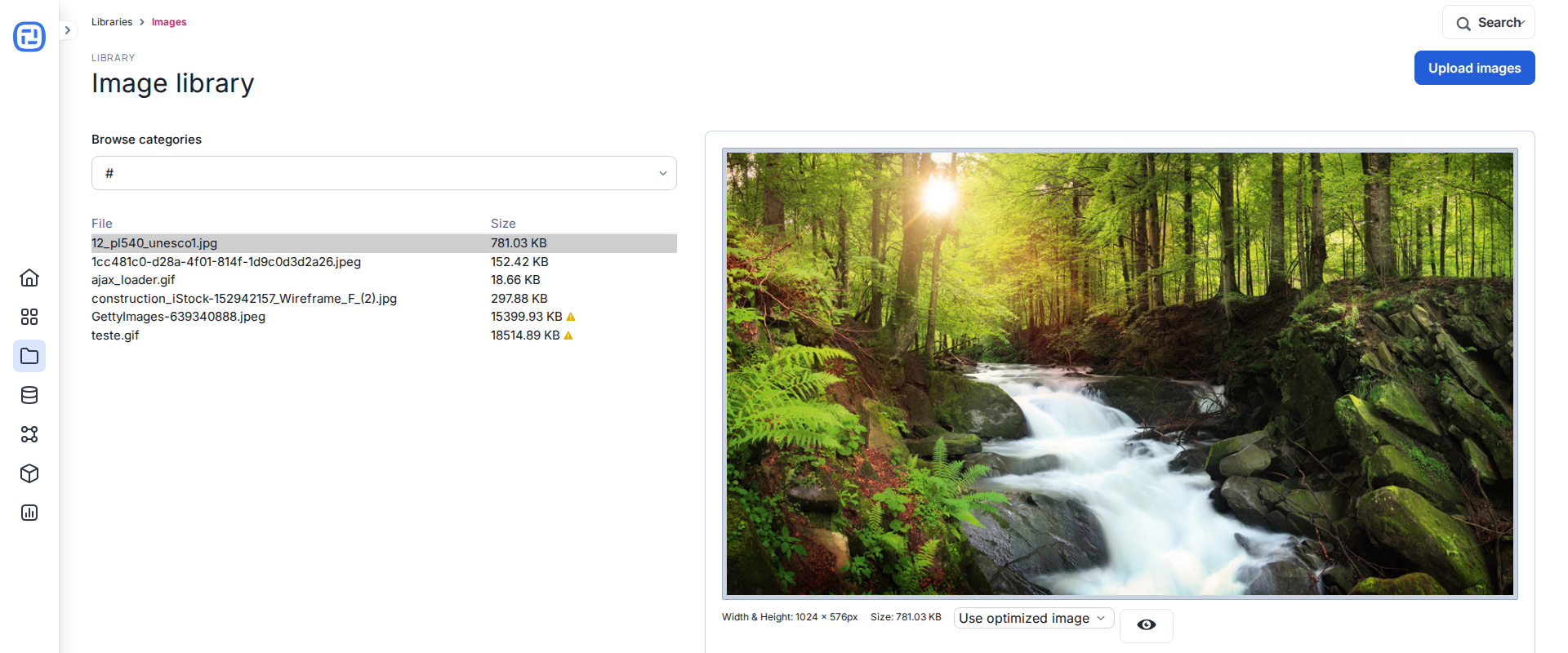
- Images: upload and organize images used by experiences.
- Icons: store reusable SVG icons.
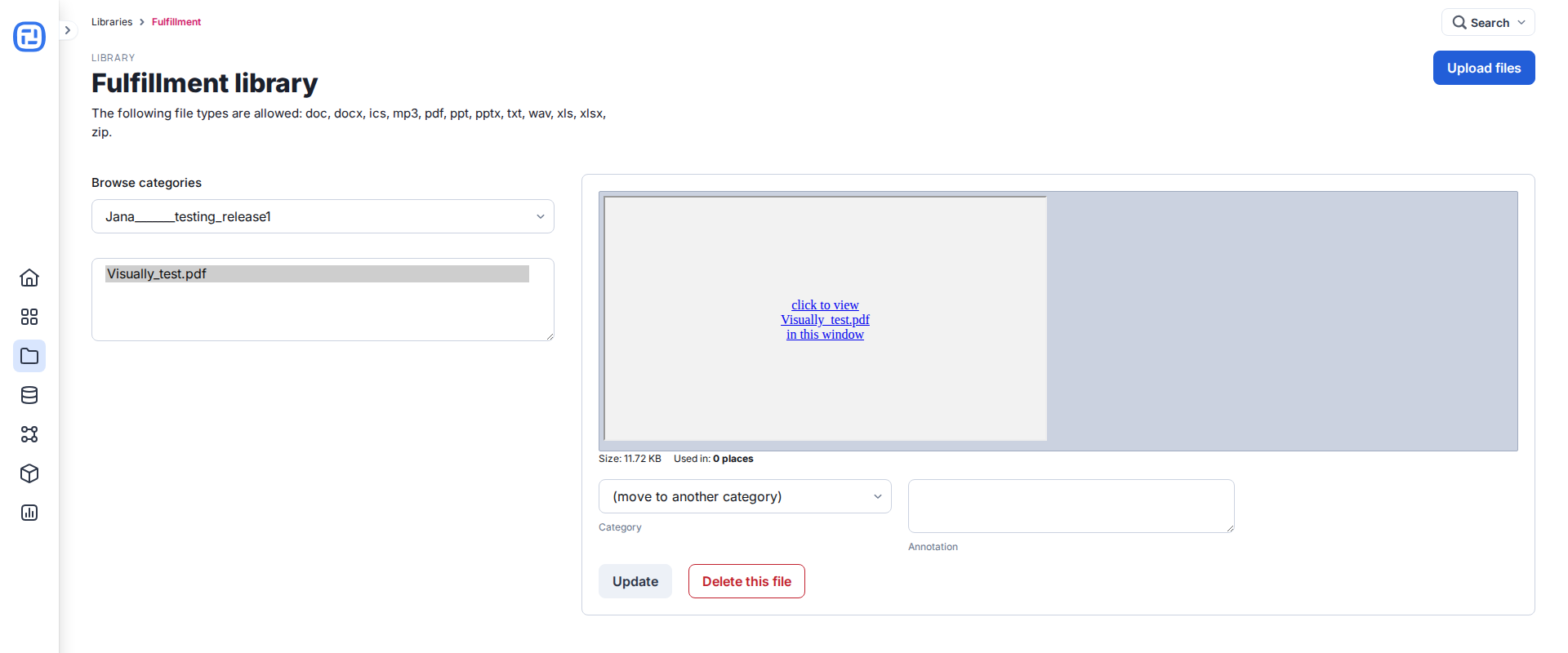
- Fulfillment: upload files that respondents can download.
- Forms: create reusable table-generated and HTML forms.
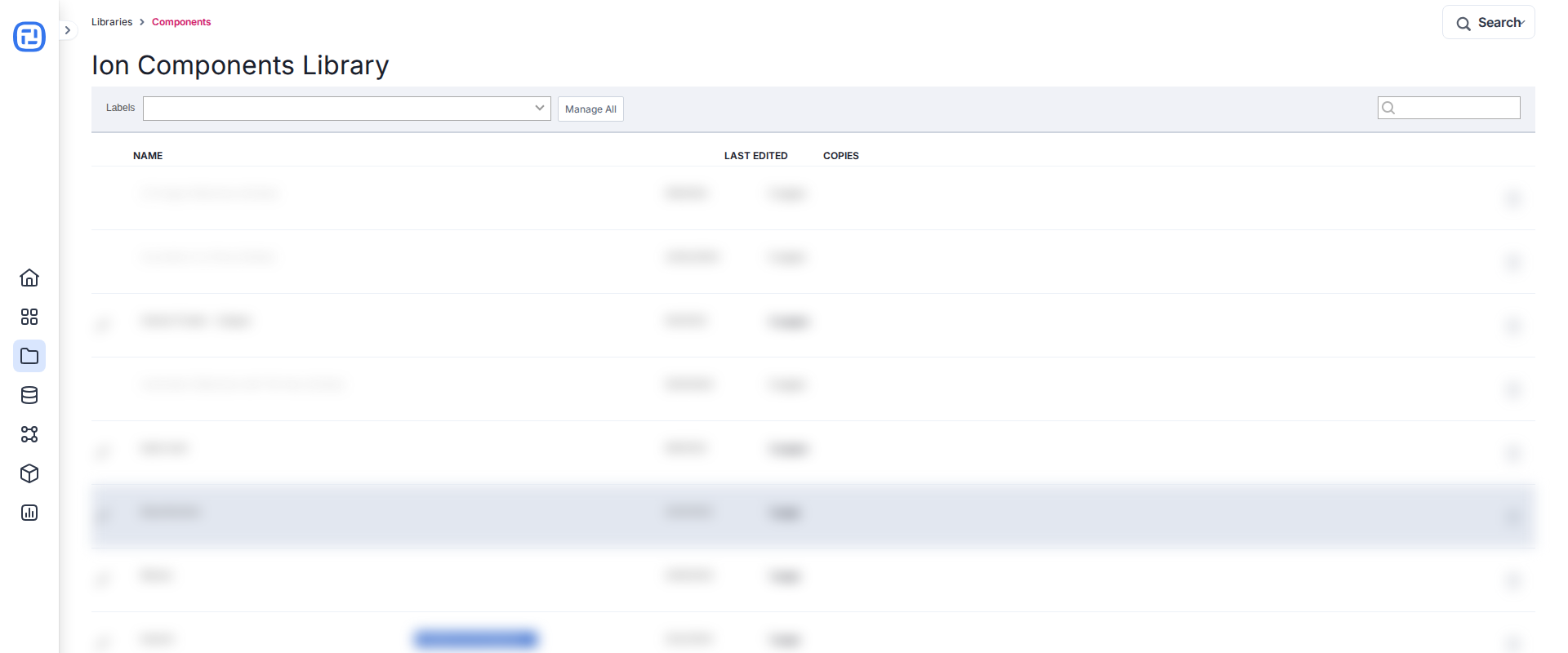
- Components: store reusable page content; edit a placed copy in Creative Studio.
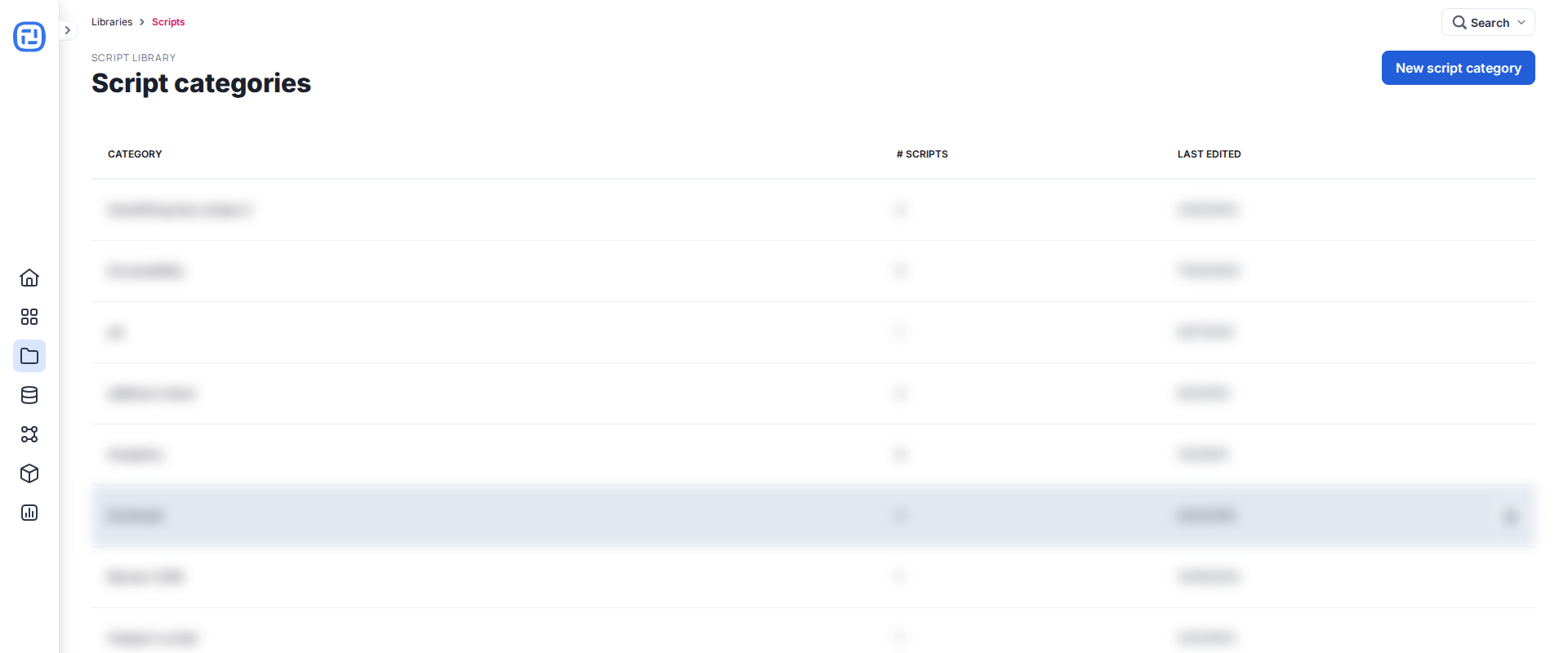
- Scripts: manage tracking and custom scripts and assign their Cookie Category.
- Server scriptlets: maintain advanced server-side logic.
- Widgets: create reusable custom interactive components.
- Frameworks: maintain themes and framework files.
- Email Templates: create emails sent to respondents by configured actions.
Use clear names and categories, limit write permissions appropriately, and test changes in a non-customer experience before reusing a library asset broadly.
