

The Scrollable Product Tour quickstart is a complete multipurpose one-page product tour for showcasing both digital and physical products. This template includes multiple interactive points, including: video for a product overview, and tooltips, accordions, …
Author: Ion Interactive
→Ion Interactive is a powerful and scalable platform to create interactive content at scale and launch code-free quizzes, calculators, assessments, infographics, landing pages, and other interactive formats in just a few hours.

Add the PDF Viewer Open the page in Creative Studio, select Add elements, and drag PDF Viewer from the Interactive section into an available container. Choose the PDF source Select the PDF Viewer on …

Content passed into Ion pages on the query string and/or saved to a data field can be displayed on a page and used within tracking scripts by publishing a content variable on a page …
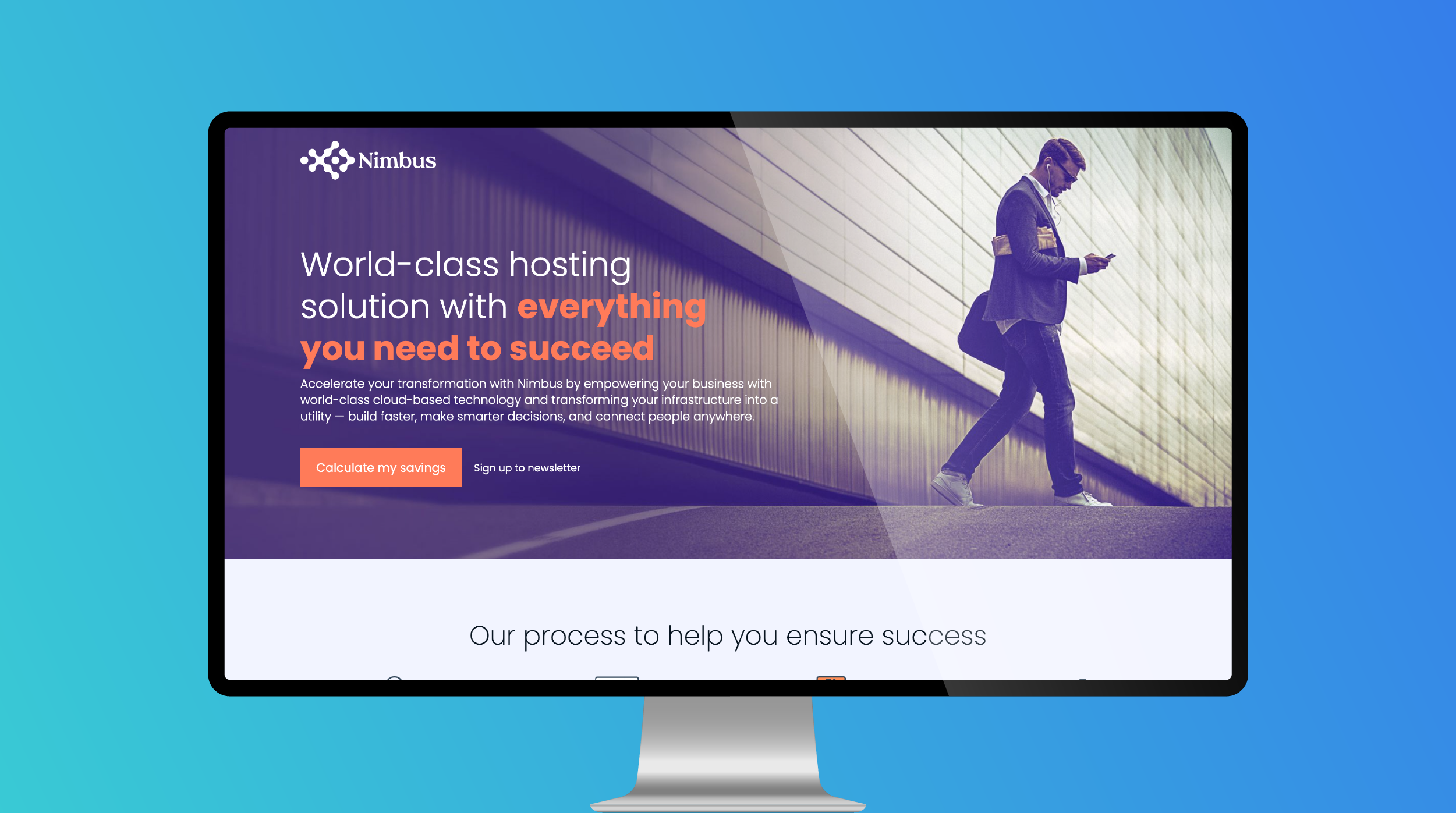
This Savings Calculator is a 3 question calculator containing choices with iconography and a slider that are all wrapped in a flow keeping the user on a single page and moving vertically from question …
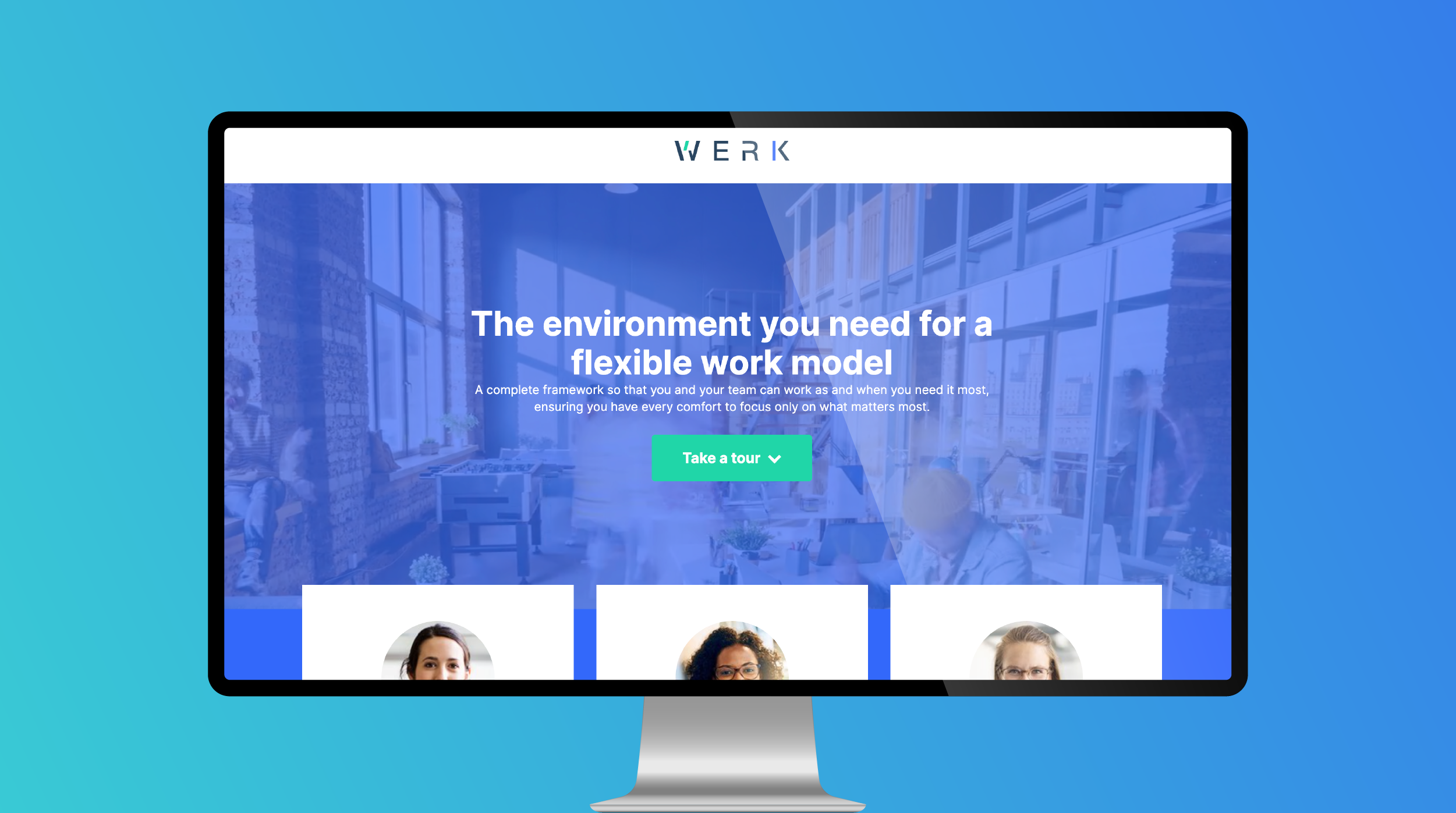
The Sales Presentation is a medium complexity, standard experience that focuses on sales enablement. This refreshing template includes engaging interactive elements such as video background, different flow variations, and unique reveal elements. With alternating …

Cookie Consent Manager lets visitors control non-essential cookies while the experience continues to use the essential functionality it needs. Current interface 1. Categorize scripts Open Libraries > Scripts. For every script that creates cookies, …
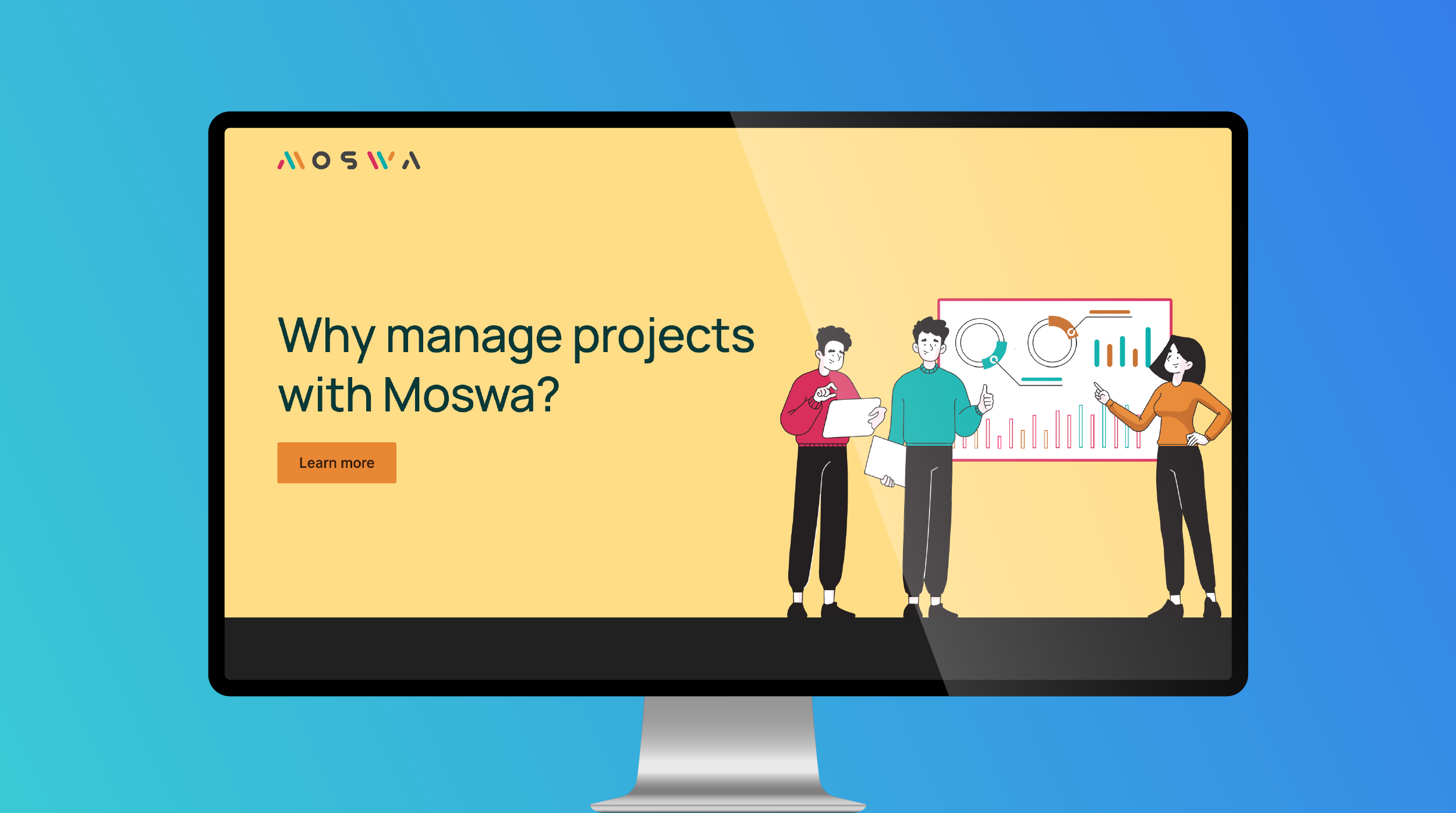
The Saas Landing Page is a low complexity, standard experience that focuses on lead generation. This template includes different interactive elements such as flows, reveals and tool tips. With engaging animations and unique hover …
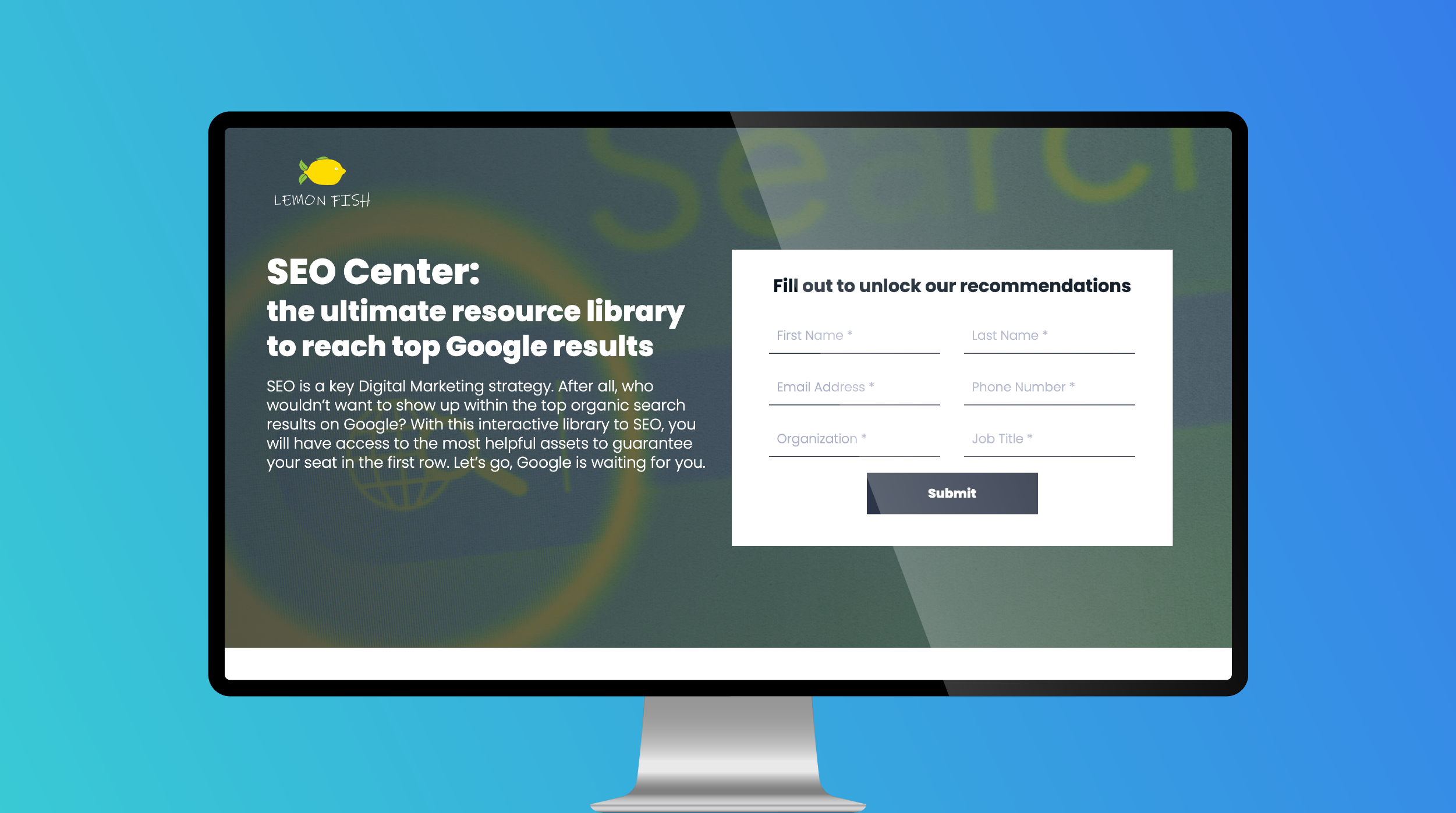
The Resource Library with Filters quickstart is a gated content hub experience displays a variety of resources such as articles, videos, and free resources. Visitors are presented with a gated form in the hero …

Current interface If you’d like to embed HubSpot forms into your ion experiences, check out this post to easily repurpose your HubSpot embed code into a reusable ion widget. Taking these steps will enable …

Ion’s Social elements add sharing controls to an experience. The current Social section of the Elements palette includes Social Share, Facebook, X, LinkedIn, Pinterest, Email, and WhatsApp options. Add social elements Open a page …