

Seamlessly integrate interactive Ion experiences directly into your website! Obtaining the Embed Code To obtain the embed code for your creative content, navigate to the URL Management Screen associated with the URL you wish to embed. …
Author: Ion Interactive
→Ion Interactive is a powerful and scalable platform to create interactive content at scale and launch code-free quizzes, calculators, assessments, infographics, landing pages, and other interactive formats in just a few hours.

The Ion platform can be used to build interactive Survey experiences that prompt visitors to make a selection from a few choices. If you are building an experience that Surveys your audience for information, …

Before we begin, you will want to have an understanding of how to create lookup tables within your console. For more information on lookup tables, click here. For this support post, we will be …

If your designer(s) would like to create a mockup of a page offline, before building it in the ion platform, use the attached PSD zip files for reference. ion pages are based on the …
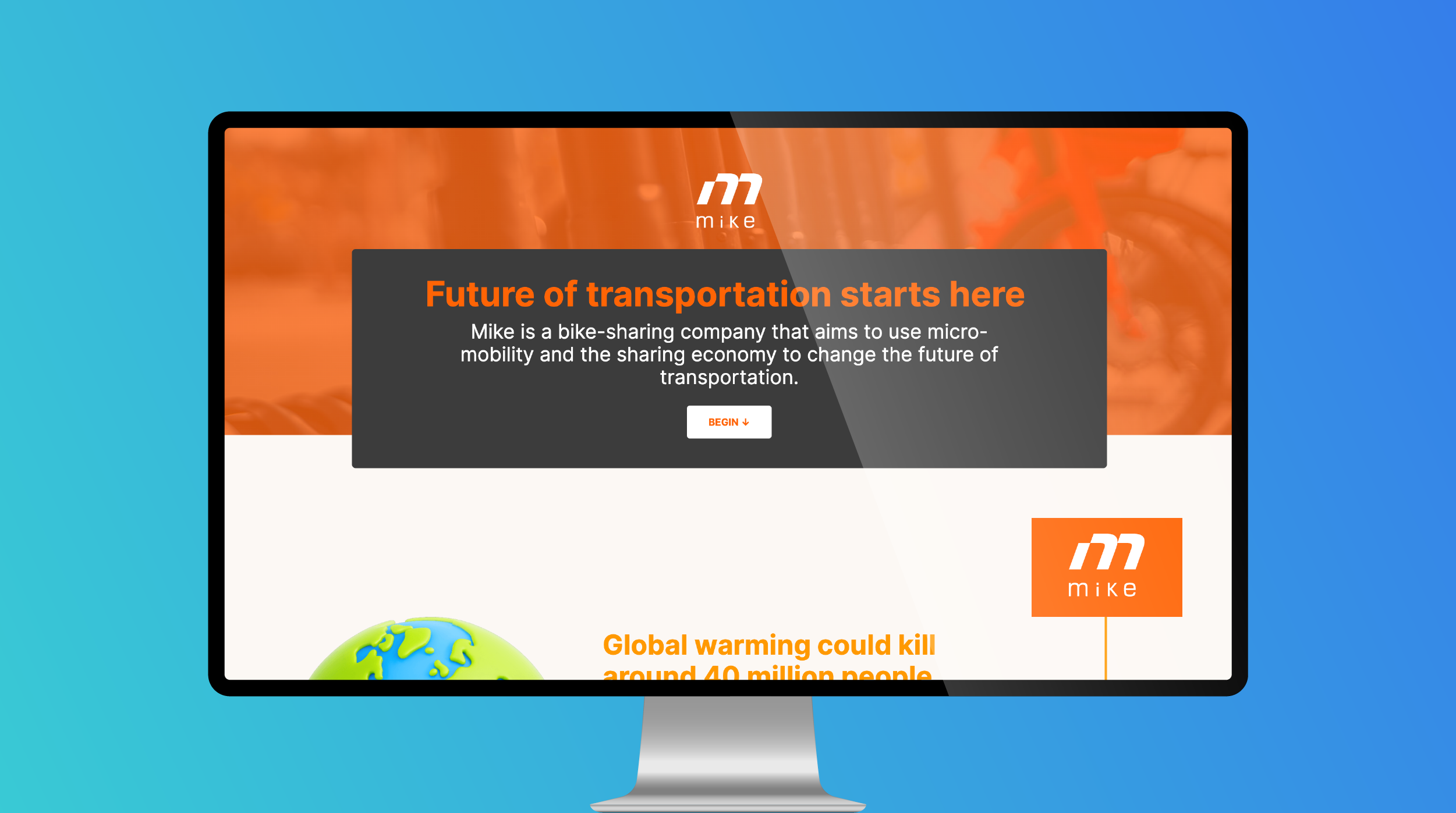
The Quick Pitch Infographic is a low complexity, standard experience that focuses on sales enablement. This interactive template is perfect for pitching ideas to your stakeholders. With a Next button at the end of …

Navigation links allow you to build deeper experiences where respondents can control what content they view at a given time. To add navigation to your page, simply click and drag the navigation icon from …

This kit includes a developer’s guide (.pdf), a master theme LESS guide (.pdf) and a companion framework (.zip). The companion framework includes an example theme (.css) and master LESS files (.less, .css). Throughout the guide, …

To add an iFrame to your page, simply click and drag the i icon from the Basics category within your Palette tab into any container on your page. Next, enter the URL you would …

Meta tags are used to control the following information about your page: Page title: This is the title of your page as displayed within the tab at the top of your browser. Description: This …

Freestyle Forms The first icon allows you to drag a new freestyle form into your page. After you add a freestyle form to your page, you can drag textboxes, dropdown menus, choice groups, sliders …