
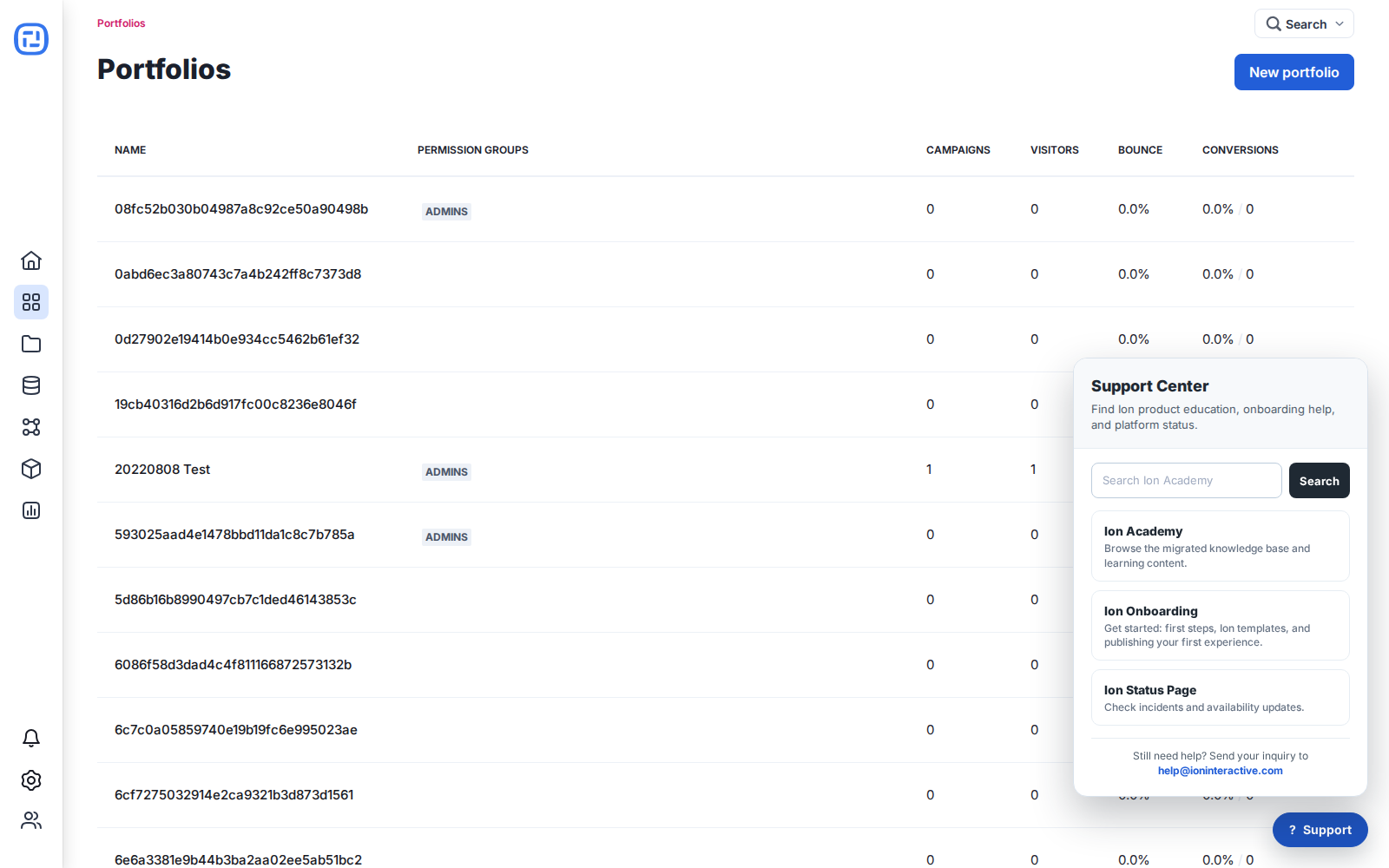
Open the Support Center
Select the ? Support button from your Ion console. The current Support Center provides direct access to Ion Academy, Ion Onboarding, the Ion Status Page, and the support email address. Additional support options may appear there as they become available.
Before contacting Support
Check the Ion Academy for product guidance and the Ion Status Page for active incidents. If the issue remains, email help@ioninteractive.com.
Include the information needed to reproduce the issue
- The console, portfolio, campaign, creative, page, URL, integration, or scriptlet involved, with direct links where possible.
- What you expected, what happened, and the exact time of the most recent occurrence, including your time zone.
- Steps to reproduce the issue and whether it happens consistently.
- Screenshots or a short screen recording with sensitive respondent and customer data removed.
- Browser and device details, error messages, and relevant third-party tool details.
- Any earlier support conversation about the same issue, so the history stays together.
Do not include passwords, API secrets, or unredacted sensitive respondent data.
