Skip to content
Ion Academy
Rotator Component

Interactive Components: Rotator

Rotator displays a sequence of content items in one area of a page.

Current interface

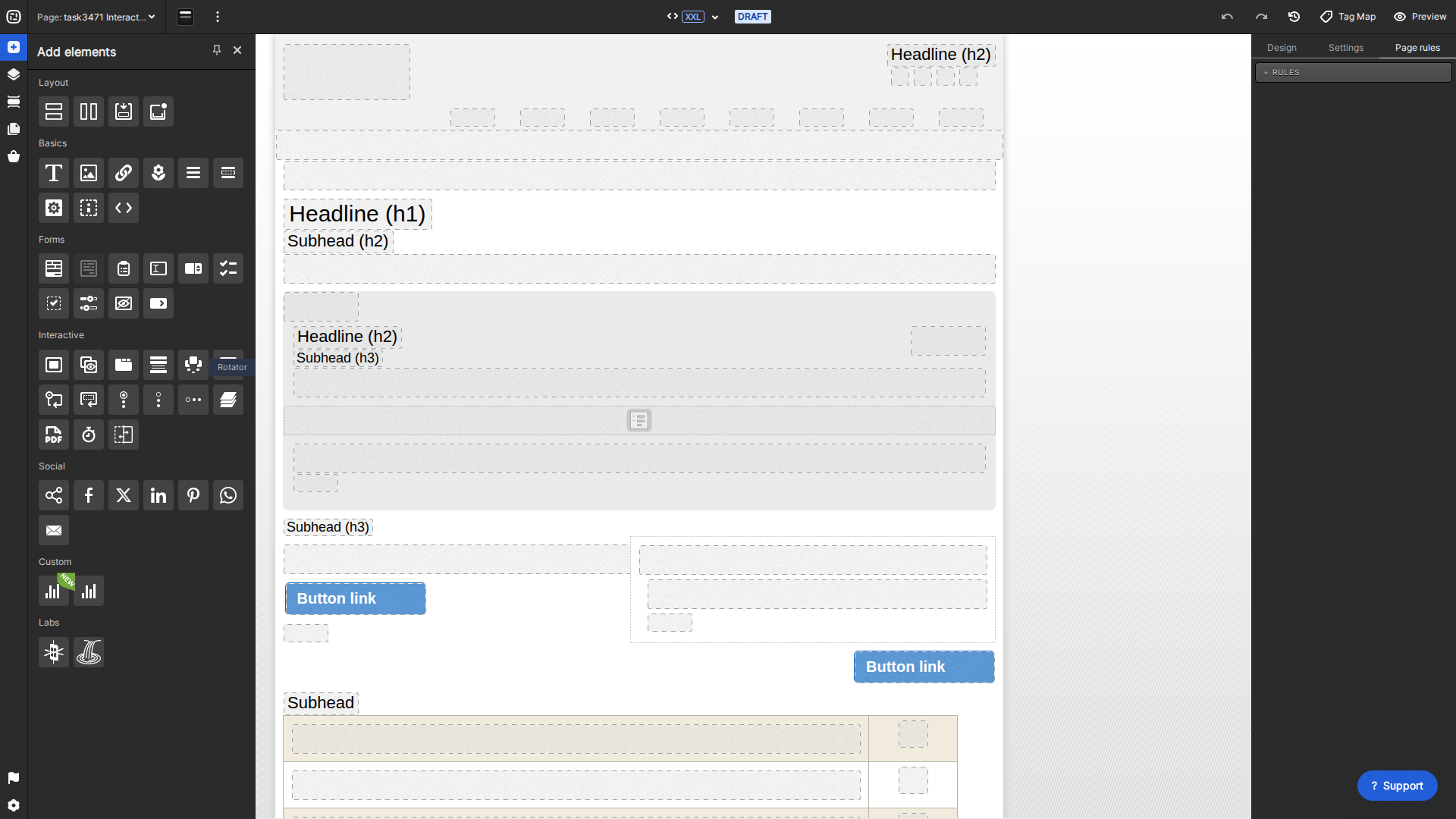
Current Creative Studio Rotator interactive tool
Drag Rotator from the Interactive elements palette.
  • Drag Rotator from Add elements > Interactive into a container.
  • Add and arrange the Rotator’s items, then publish the desired content inside each item.
  • With the Rotator selected, use Settings to configure navigation, timing, and other available behavior.
  • Preview every breakpoint and test both automatic and visitor-controlled navigation before publishing.
Share this:

Charmaine Yu is a UX/UI designer at Rock Content. With over a decade of experience in visual arts, Charmaine combines her eye for design with her love of UX to create memorable interactive content at Rock. With a UX design diploma from Brainstation, she spent the last couple of years learning and creating new content in the world of UX. Outside of work, you can find her cuddling her dog, at the next music festival or coach-potating at home.