Creative Studio includes shortcuts for navigating, finding, and identifying page elements without changing the experience.
Current interface
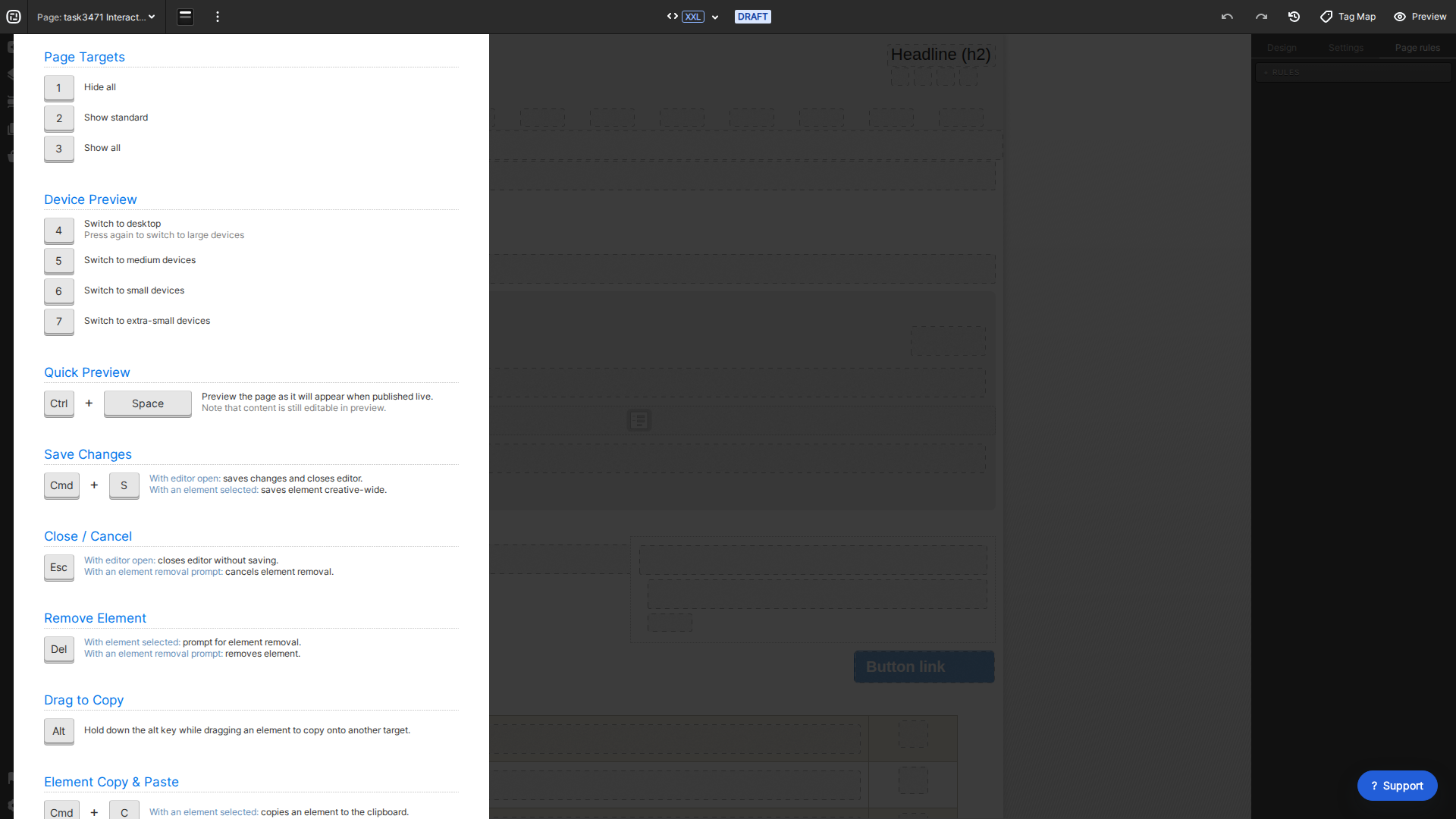
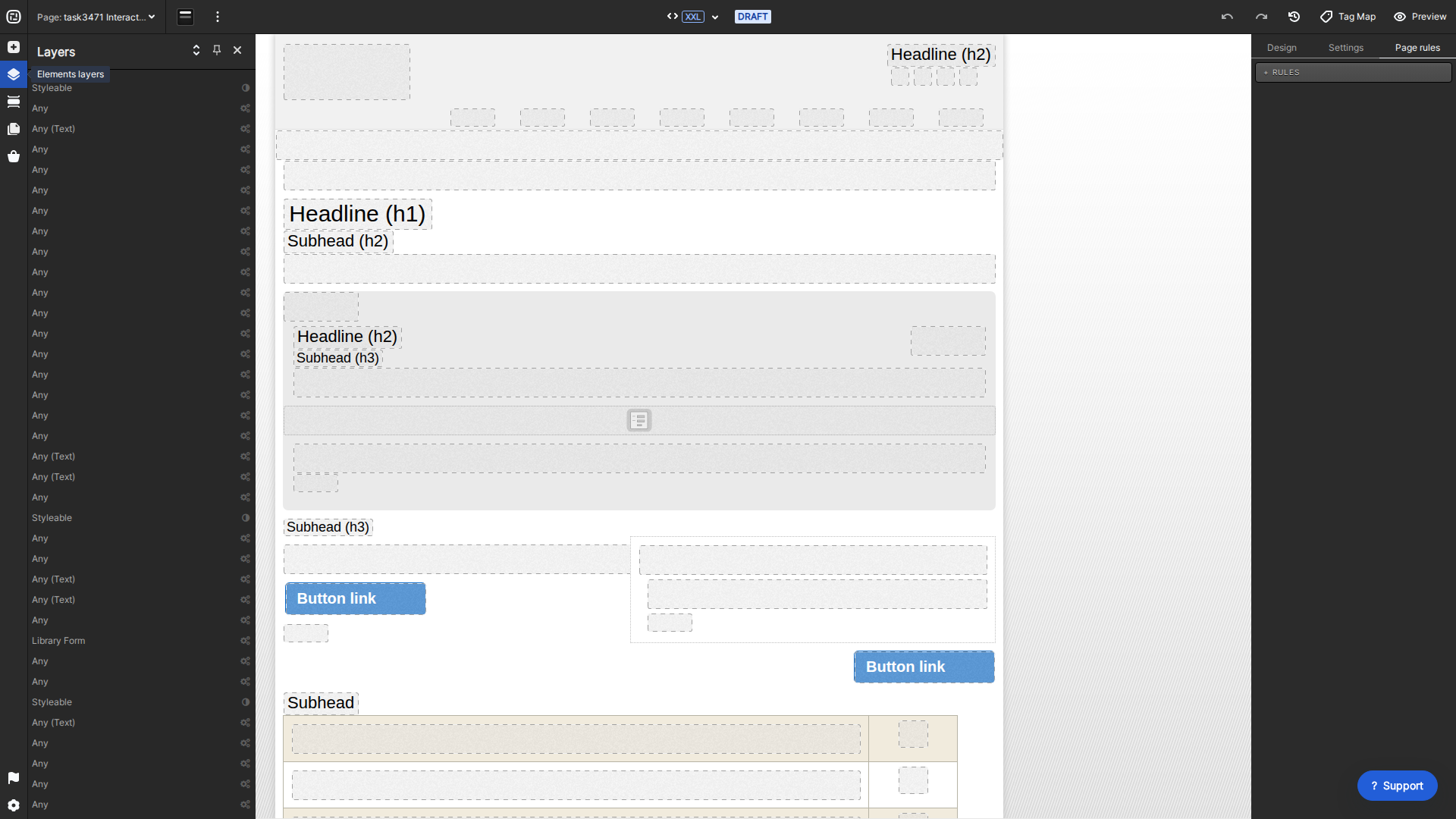
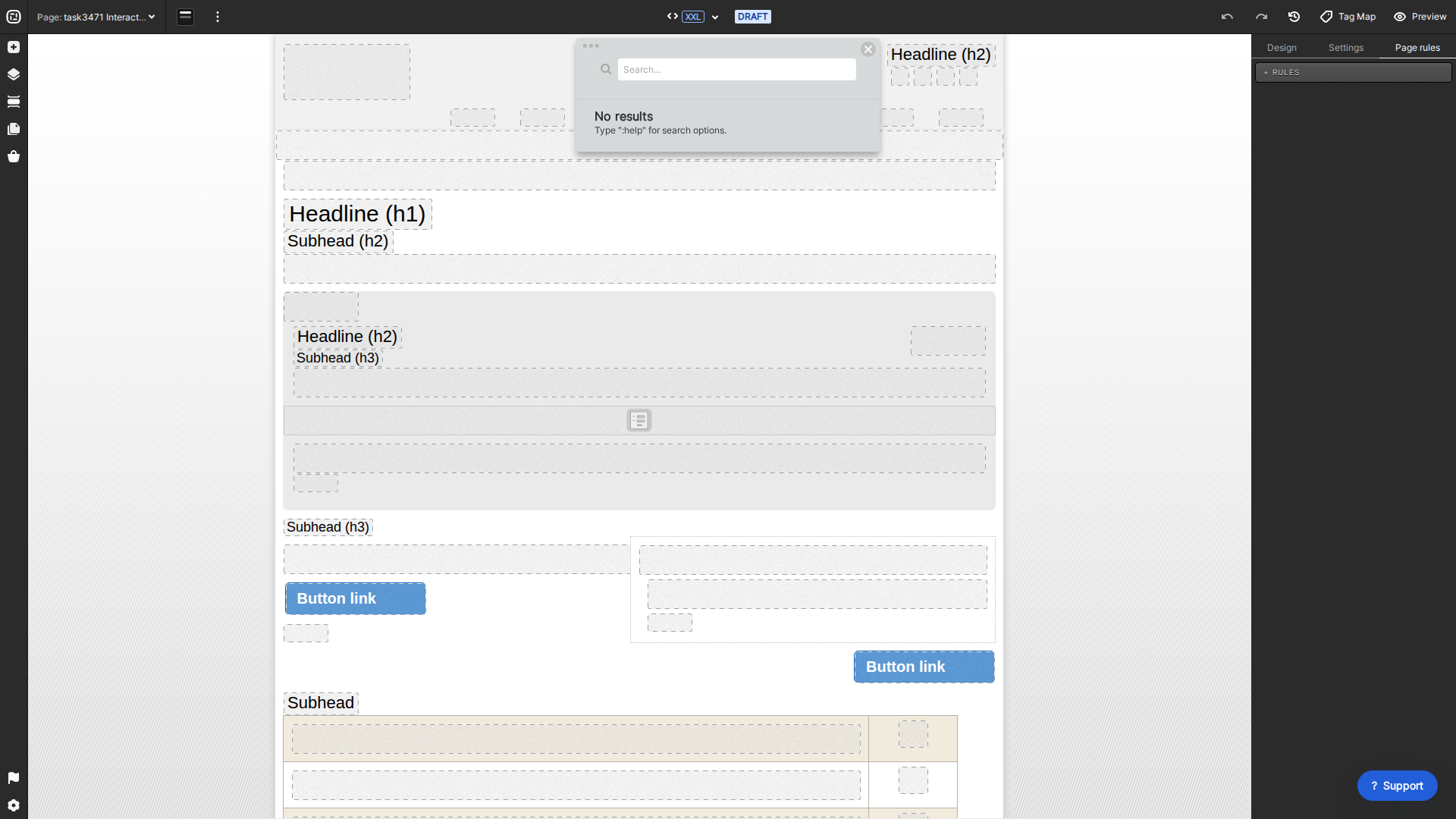
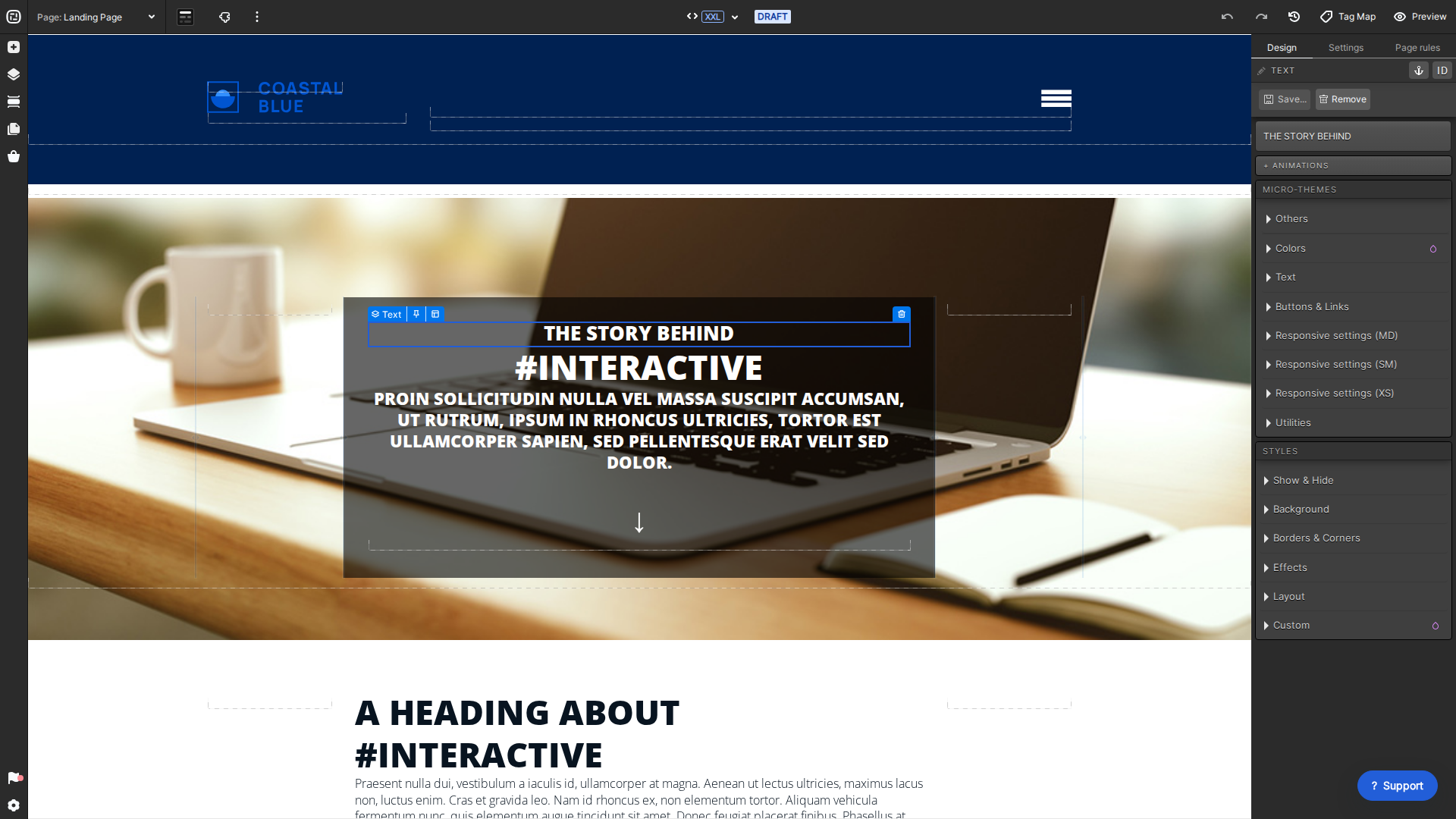
Current Creative Studio keyboard shortcuts.Use Layers to navigate the page hierarchy.Use Creative Studio search to locate content and states.Give important elements clear labels.
Keyboard navigation
Use the current shortcut guide from Creative Studio’s More menu. Arrow-key navigation can move through nearby elements and their hierarchy, which is useful when tracing spacing or styles.
Layers
Open Layers to see the page hierarchy, expand or collapse groups, and select content that is difficult to click directly on the canvas.
Search
Use Creative Studio search to find text, labels, and supported element states. Enter :help in search to see the current query helpers.
Labels
Rename important elements with the pencil beside the selected element label. Descriptive labels make Layers, search, proofing, and team handoffs easier.
Charmaine Yu is a UX/UI designer at Rock Content. With over a decade of experience in visual arts, Charmaine combines her eye for design with her love of UX to create memorable interactive content at Rock. With a UX design diploma from Brainstation, she spent the last couple of years learning and creating new content in the world of UX. Outside of work, you can find her cuddling her dog, at the next music festival or coach-potating at home.