
Ion Page scores run a page-speed analysis for the pages in a creative and retain current and historical results for review.
Before you analyze
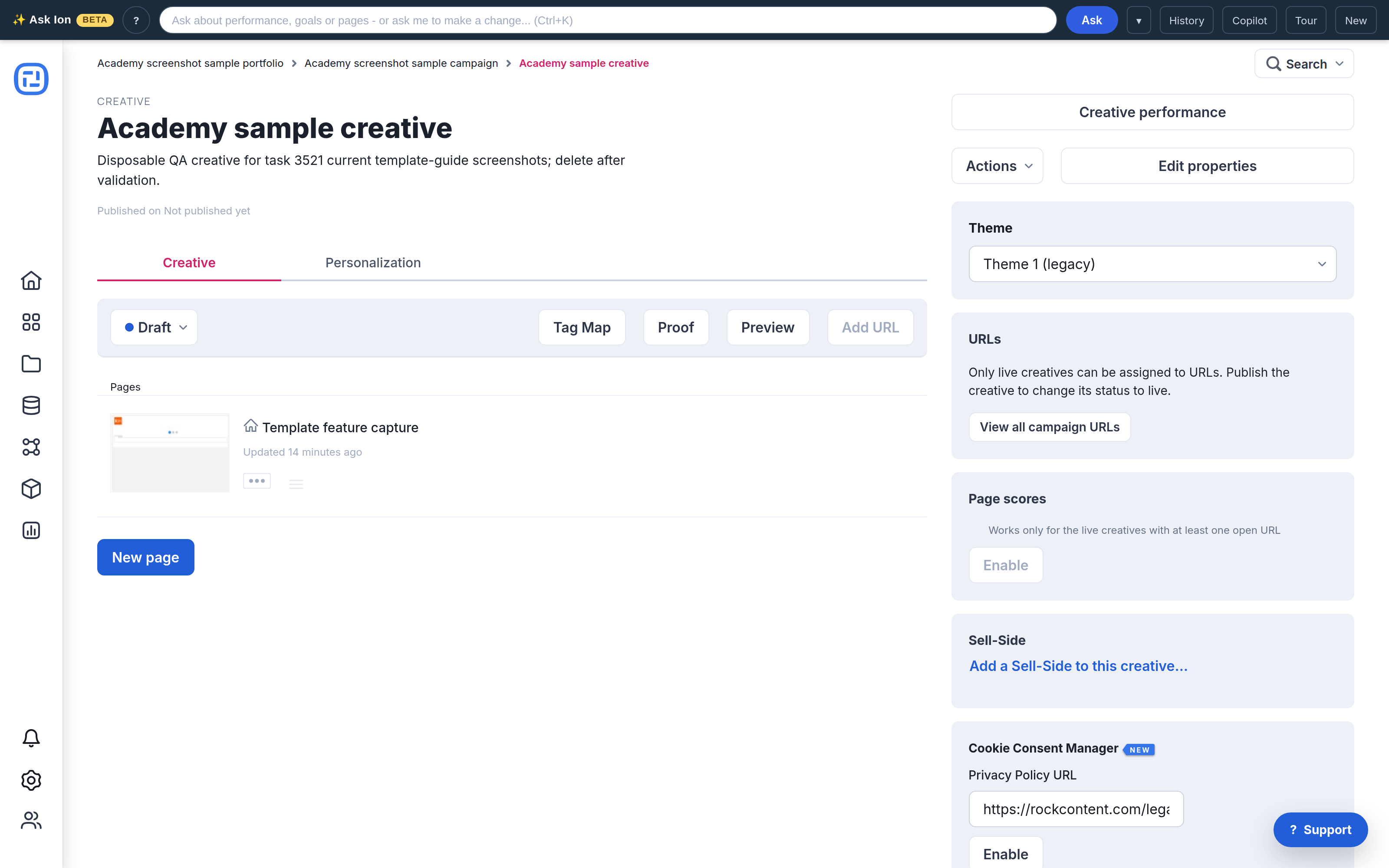
The creative must be Live and assigned to at least one open campaign URL. Finish the intended page changes before starting an analysis so the result represents the version you want to evaluate.
Run the analysis
- Open the creative’s management screen.
- In Page scores, select Enable. The analysis runs in the background and can take several minutes.
- Return to the creative when processing completes. Select a page’s desktop or mobile score to open its details and recommendations.
Read the results
- Green: 75–100
- Orange: 50–74
- Red: 0–49
Compare mobile and desktop separately. Treat the score as diagnostic evidence, not a launch decision by itself: repeat tests can vary with network conditions and external services.
Review history and improve
Creative Performance includes PageSpeed history for the selected reporting period. Use it to compare changes over time, then address the largest controllable opportunities and rerun the analysis.
See Page load time: best practices for optimization guidance.
