


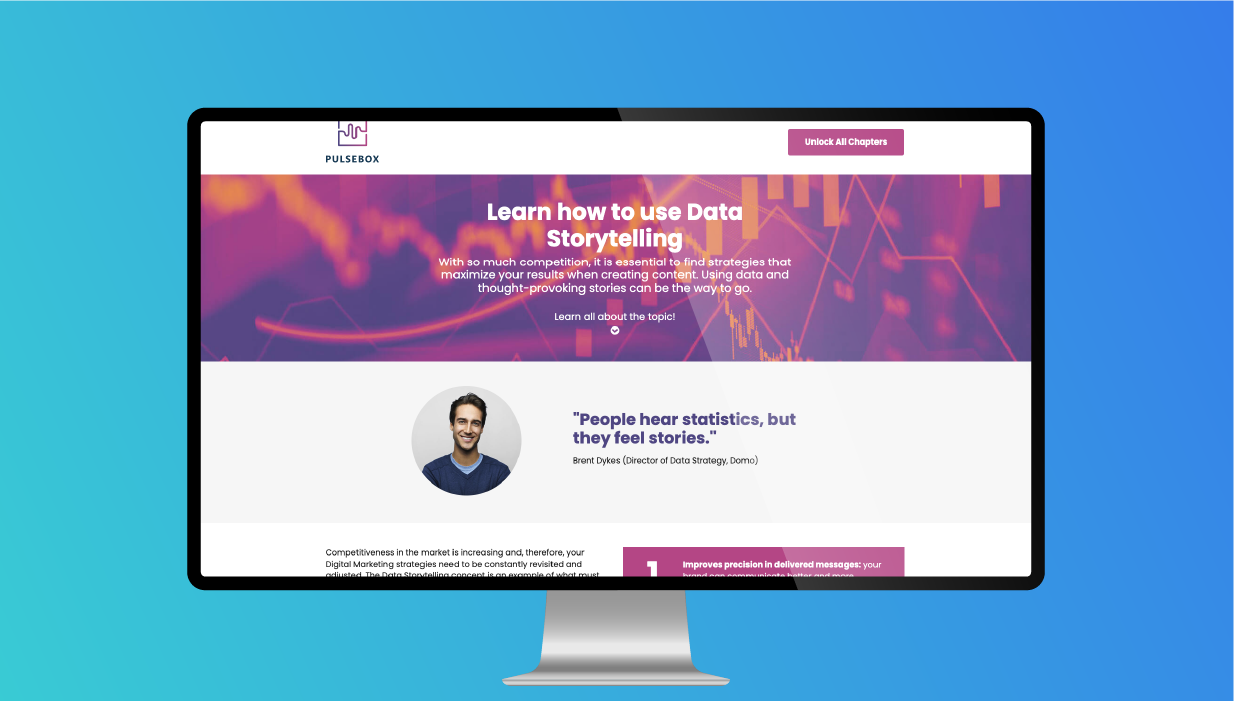
The Gated White Paper experience is designed to gain lead generation. The visitors are introduced to the white paper on the landing page and have the option to view the first chapter. Visitors can …
Blog Posts

Margins vs. Padding – Best Practices
Margins and padding serve similar purposes to adjust spacing when designing and setting up the layout of a page. To highlight the difference at a basic level, margins add space around an element, and padding applies spacing within the area of a […]

When getting started with Ion, one of the first things you should do is decide what domain you would like to use for your Ion console (thus, the pages that are created in Ion). …

To secure a domain or subdomain for your landing pages, you can supply your own security certificate for us to install or you can enable the free option within your console’s Domain Manager, without …

Ion’s global script library enables you to store and manage your third-party tracking scripts and/or custom Javascript solutions for use on your ion experiences. You’ll organize your scripts in categories and, once saved, pull …

Upload icons to the global icon library To access the global icon library, click the Libraries icon in your ion console’s side nav and then click the Icons tab. From here, you can upload …

Uploading images to the ion global library The first step to add images to your creatives is to save them to your global image library. Your ion console has a centralized library for image …

When adding new users to the Ion console, there are a multitude of options to restrict access to the console. Console owners can decide to give some users access to everything in the console …

Ion’s rule structure uses NCalc to perform its calculations. Variables in NCalc formulas can be replaced with dynamic data fields in Ion in order to allow users to insert their own values and render …

Are you driving mobile traffic to your Ion experience? You can include click to call buttons in your Ion pages that would call a certain phone number. To set this up, simply fill the …

You can use a mailto: command to open respondents’ default email client to send an email. To set this up, simply add a mailto: command to your link’s action as an external URL. For example, …