



You can archive creatives that you no longer use in your campaign to help reduce the clutter so that you only see the creatives you want to have easy access to and move the …
Blog Posts

Margins vs. Padding – Best Practices
Margins and padding serve similar purposes to adjust spacing when designing and setting up the layout of a page. To highlight the difference at a basic level, margins add space around an element, and padding applies spacing within the area of a […]
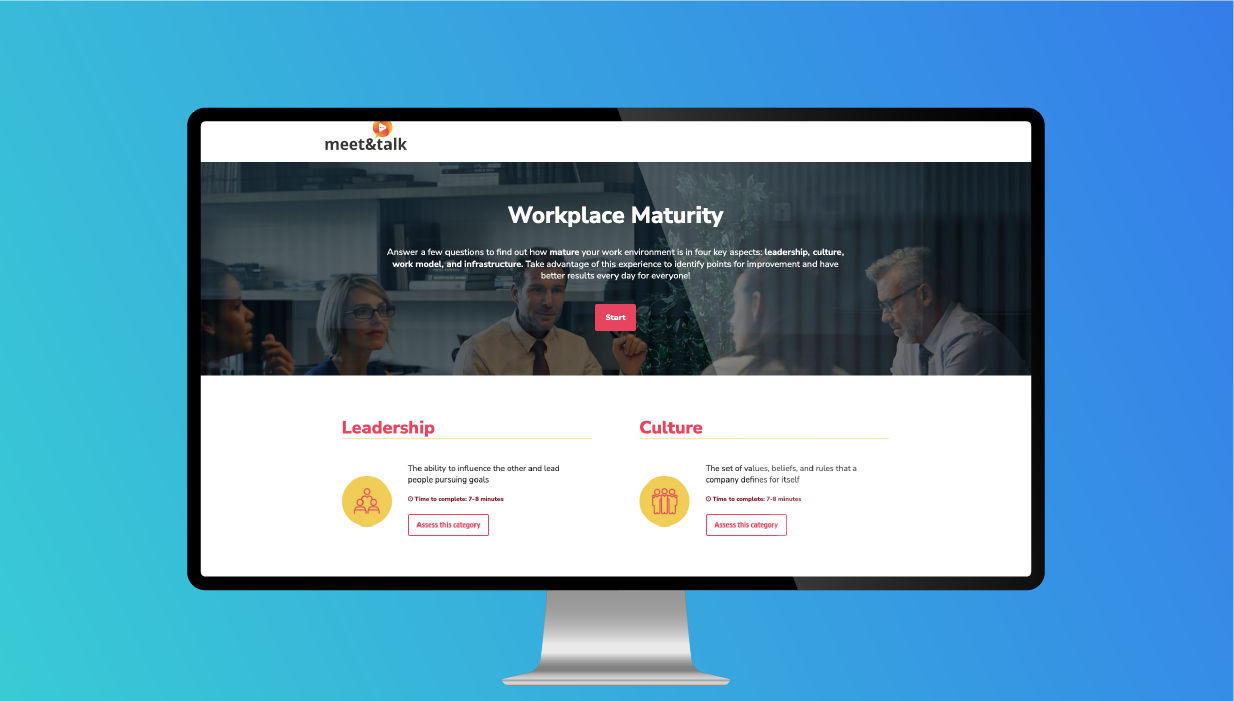
The 4-Assessment Hub is an interactive assessment that contains 4 sub categories. Users can choose their starting point and view their result for each individual category. This experience has flow steps with micro animations, …
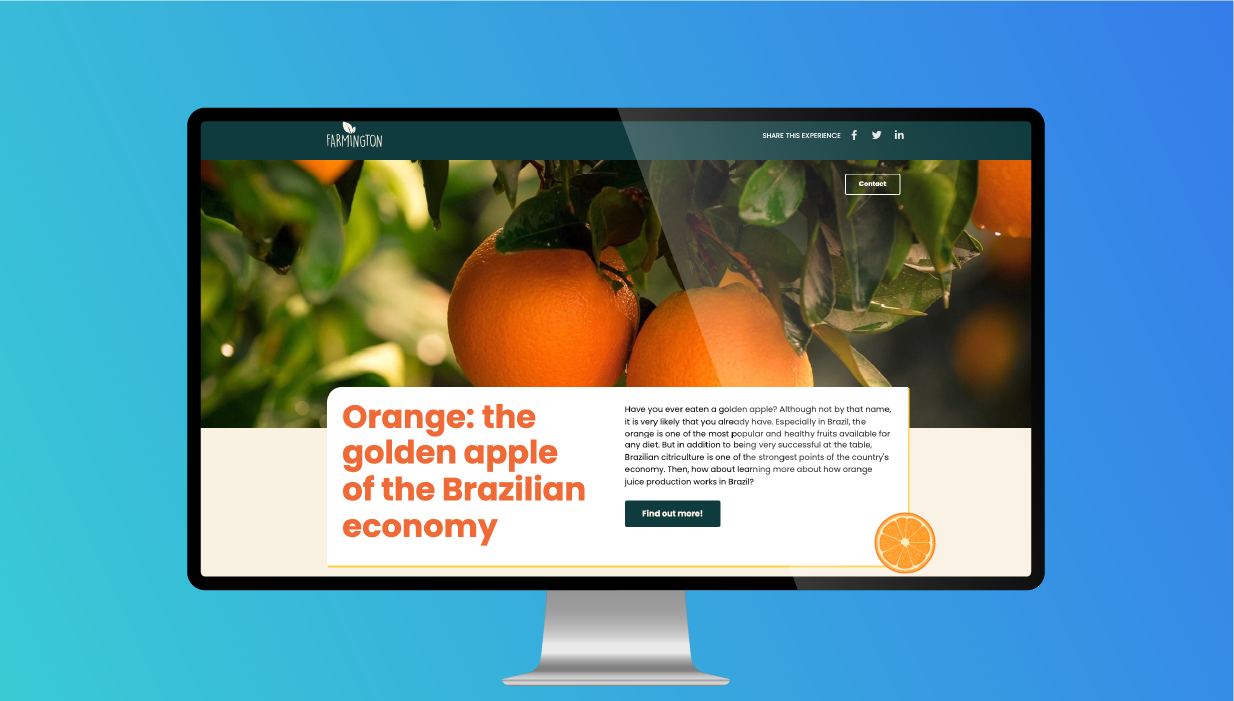
The Grid Series Infographic is a low complexity, one page template that focuses on brand awareness. This template includes unique animated visuals that capture the users attention and seamlessly guide them through the content. …
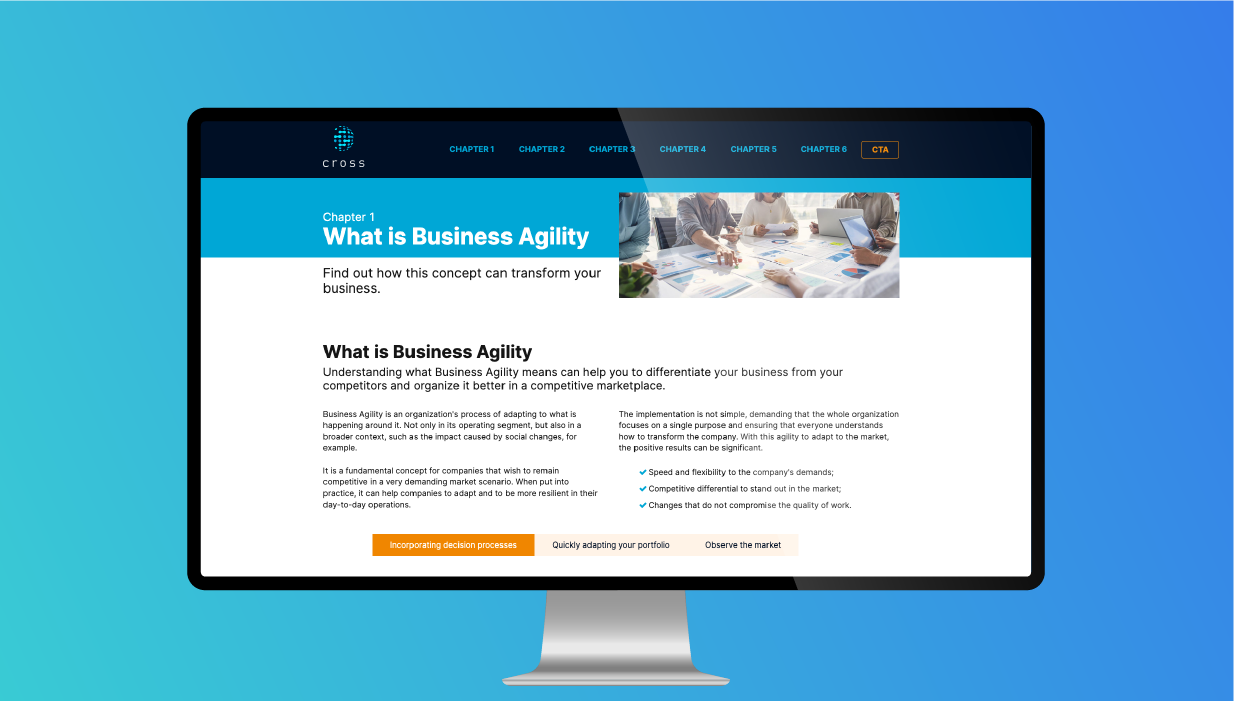
The Easy White Paper is a basic long page, with 6 chapters and a form at the end to encourage lead generation. With a sticky top navigation, users have the option to easily scroll …

Hello, Rockstar! Ion micro themes have been updated, offering you more visibility of the available themes and less effort to apply them (fewer clicks and less hidden information). Check it out! How does it …

NotYour Ion console automatically generates a data set called Core Fields. You can find the collected respondent data on your Raw Data File. When a respondent visits an Ion experience, core field values are …

Ion Core Data is descriptive, behind-the-scenes information automatically collected when a respondent visits an ion experience. If you’ve purchased integration services that include ion Core Data, these are the fields eligible for integration. ION …
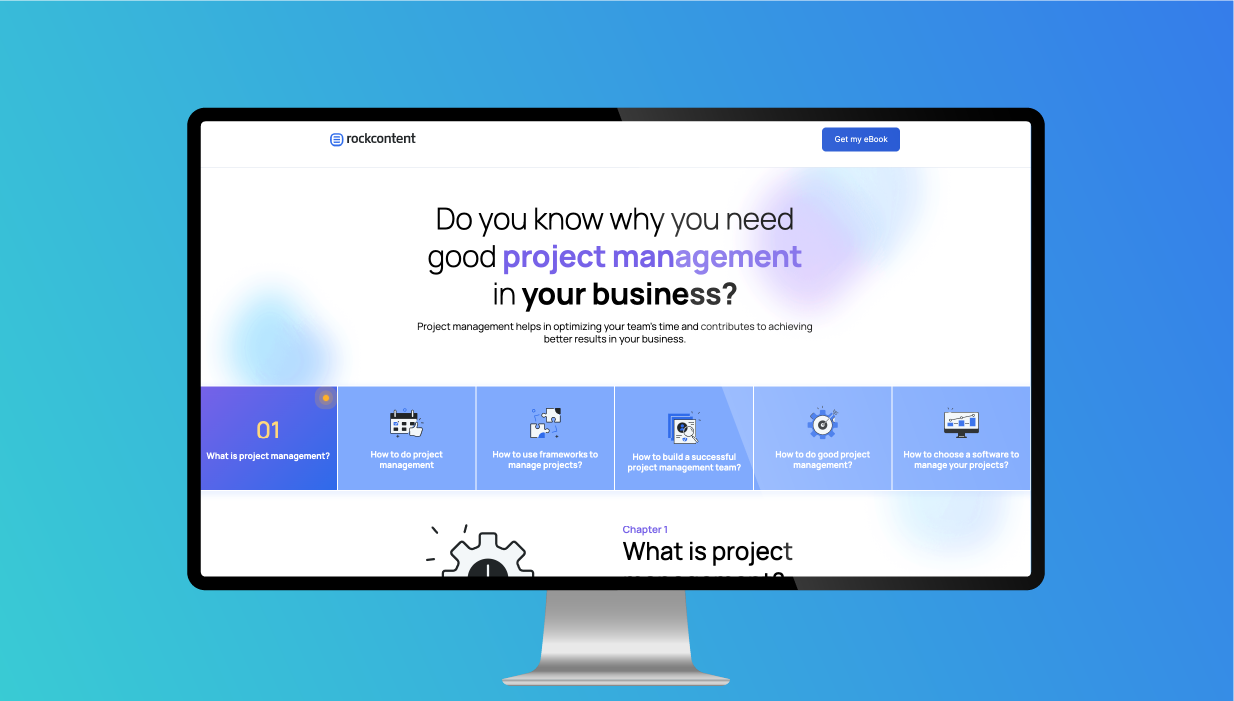
The White Paper with Quizzes is an interactive experience that contains six chapters with mini quizzes along the way. This experience features quizzes using flows, micro-animations, odometer counters, tabs, reveals, accordions, and flows with …
Hello, Rockstar! A brand-new feature is live and is known as multiple selections. Learn about the news and explore all the opportunities it offers! What are multiple selections? Multiple selections is a new Creative Studio …
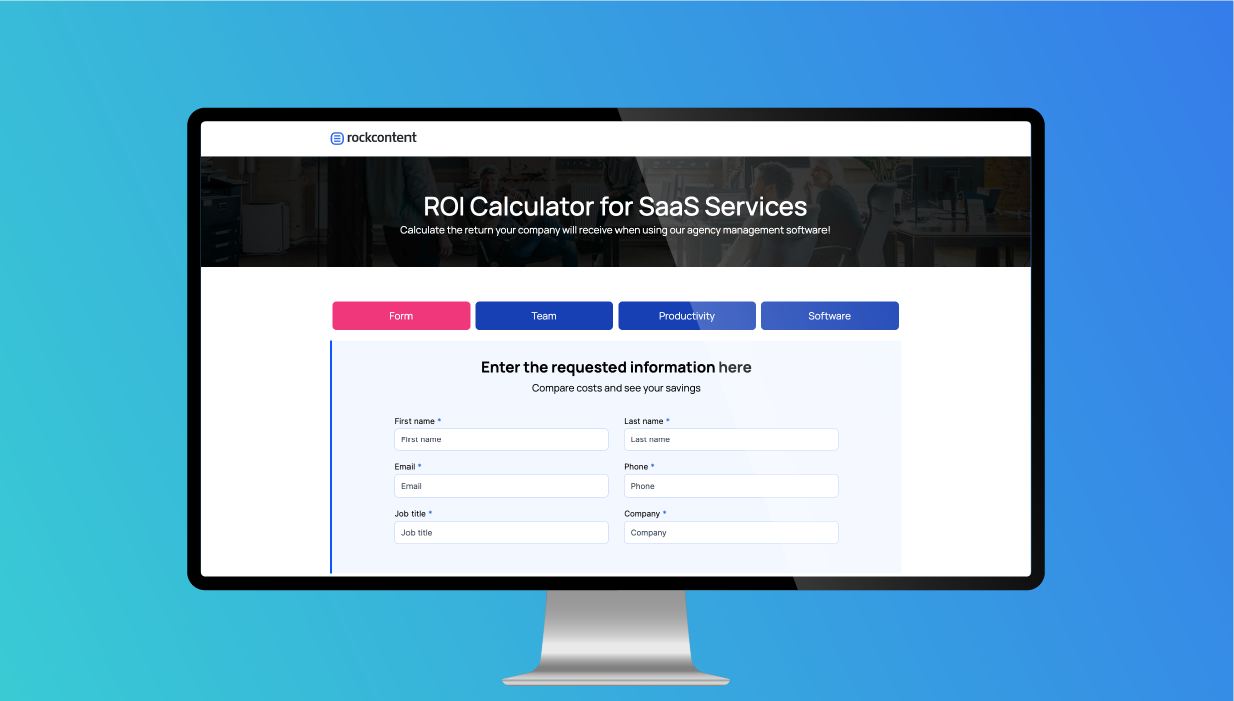
The SaaS Services Calculator is a gated interactive experience that displays four different results. This experience features micro animations, a progress bar indicator that shows where users are in the calculator, and form inputs …