


You can display different content to different visitors based on the presence of certain query string values or data collected elsewhere in the experience. For example, you could set your email address form field …
Blog Posts

Margins vs. Padding – Best Practices
Margins and padding serve similar purposes to adjust spacing when designing and setting up the layout of a page. To highlight the difference at a basic level, margins add space around an element, and padding applies spacing within the area of a […]
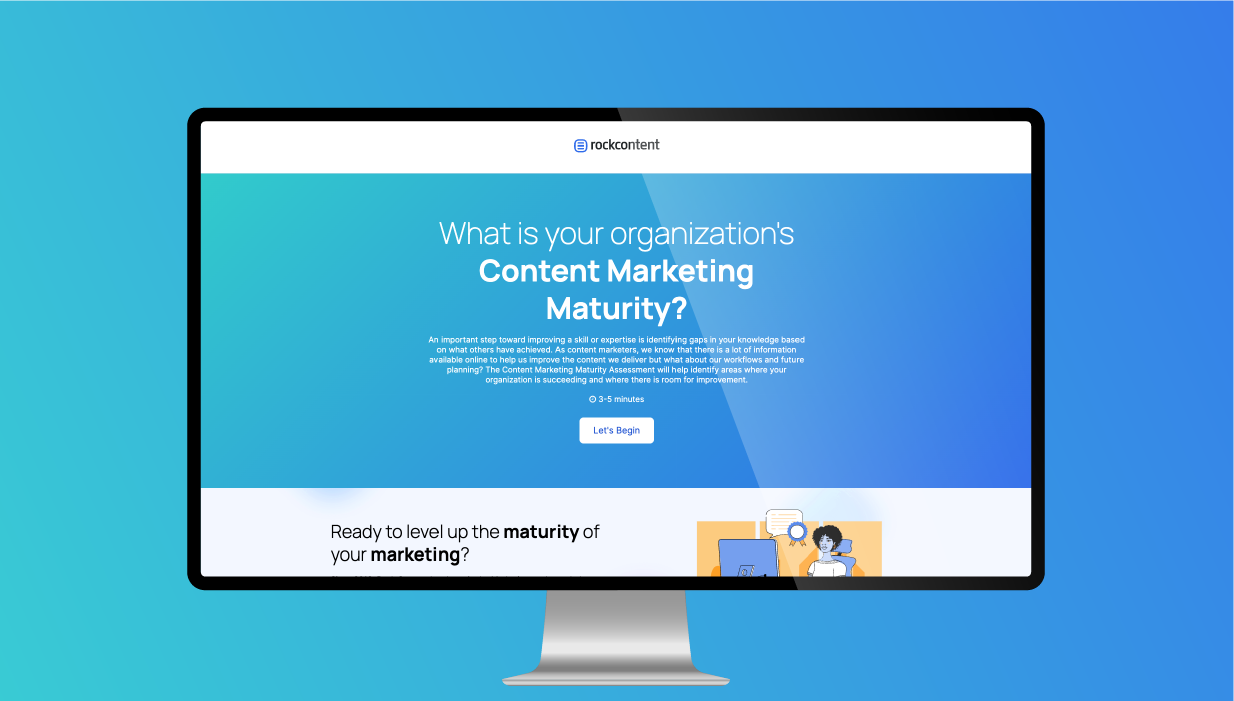
The Maturity Assessment is an interactive experience that consists of 14 questions with 5 choices per question. The assessment shows a progress bar providing users with knowledge of how many questions they have completed …

Welcome to Micro-Experiences! These customizable, compact, and embeddable experiences can be easily added to external channels or within Ion experiences. They come in various forms, such as pop-ups, sticky bars, modals, and forms, all …
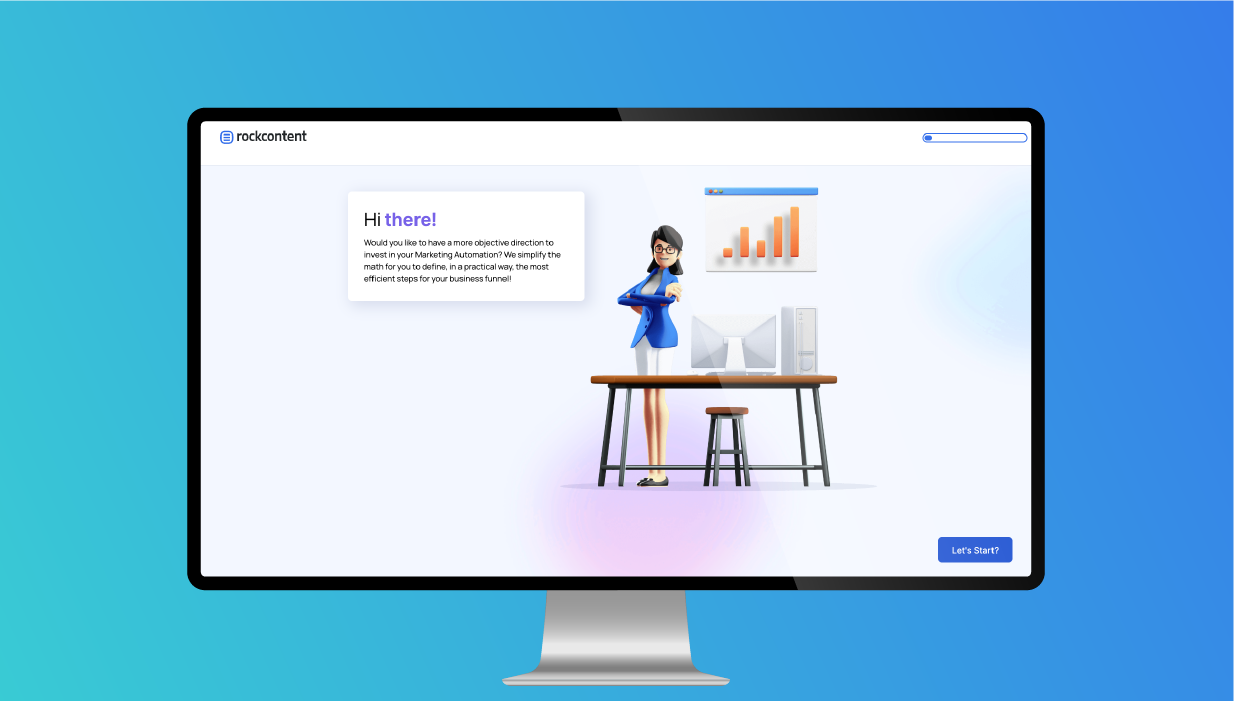
This Marketing Automation Calculator is a 3 question calculator that uses a story-like journey to ask questions and provide dynamic results and responses based on the user’s inputs. The experience uses several advanced building …

Query string parameters are automatically saved under their name within the respondent record. So after you set up your UTM Parameters, your URL should somehow look like this: https://qa.postclickmarketing.com/kbutm?utm_campaign=marketing&utm_content=whitepaper&utm_medium=socialmedia&utm_source=linkedin&utm_terms=example You can check this link …

When building any web experience, it’s important to be mindful of how fast it will load for your visitors. The faster your page loads, the easier it will be to encourage them to convert. …

If you are experiencing slow page load speeds and/or a lower than desired Google PageSpeed Insights, you may want to see if you may reduce/remove the following elements from your page: Images that are …

For example, if you create a five (5) page microsite, you can require all respondents to land on the home page or you can enable respondents to arrive on interior pages within your microsite. …

See how to update your integration to use the new fields. To add a new field to work with your integration, it’s important to follow a few steps. You need to create the field …

You will find the option to copy “embed code” next to the URL within the URL Management screen: When embedding content, there are several things you will want to keep in mind as best …